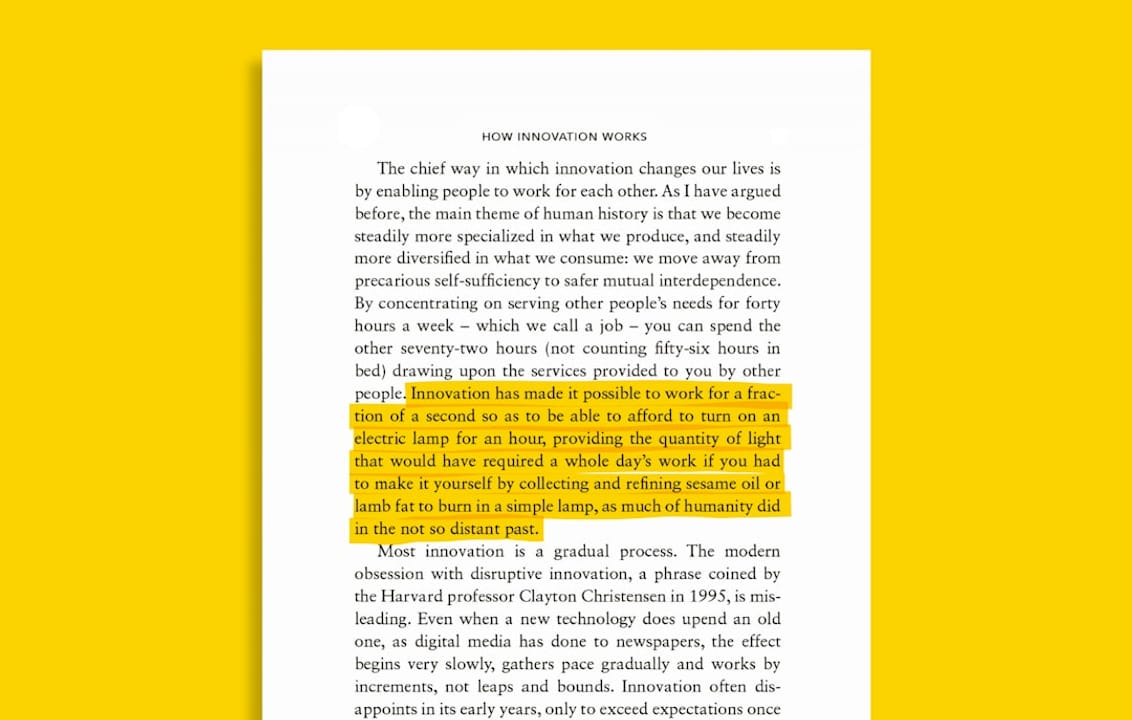
Best approach: read for flow using inline glossing, capture a handful of high-yield terms as you go, and train them with spaced repetition afterward. This works because it removes the constant app-switching that breaks concentration during dense academic reading, while still building the vocabulary you need for the next paper. Start now:
- Open the article and enable inline translation on unfamiliar words.
- Keep reading. Don’t stop to look anything up in a separate tab.
- Save only the terms that actually blocked comprehension.
- Review those terms later, on a schedule, not all at once.
Key Takeaways
The most reliable way to translate academic articles is inline glossing during reading, paired with spaced repetition for a small, curated set of captured terms.
| Point | Details |
|---|---|
| Match reading mode to purpose | Skim extensively for structure, then read intensively only where exact wording matters. |
| Gloss inline, not separately | Inline glossing reduces cognitive load and keeps attention on the argument, not app switching. |
| Capture selectively | Save 10 to 15 high-yield terms per paper with sentence context and a project tag. |
| Space the review | Short daily sessions with varied recall modes beat one long cram session. |
| WordByWord runs the full loop | Comprehension level, Spotlight, and SRS flashcards work inside the same extension across pages, PDFs, and YouTube. |
Table of Contents
- When Should You Translate Academic Articles Intensively vs. Extensively?
- What Should You Capture While You Translate Research Papers?
- A Step-by-Step Way to Translate Academic Articles for Vocabulary Gain
- How Often Should You Review Vocabulary From Academic Articles?
- Why Over-Translating Academic Texts Can Backfire
- How WordByWord Supports This Workflow Directly
- Why We Built Spotlight and Comprehension Level
- Try This Workflow With WordByWord Today
- Sources
When Should You Translate Academic Articles Intensively vs. Extensively?
Extensive reading means moving through a paper quickly to grasp its shape: what question it asks, what method it uses, what it claims to find. Intensive reading means slowing down on a specific paragraph, usually the methods or results section, because the exact wording changes what the paper is claiming. Confusing the two is the most common way people burn out trying to translate academic articles word by word from page one.
A three-pass structure solves this:
- Skim the abstract, headings, and figures to map the argument before reading a single full sentence.
- Gist-read each section once for meaning, letting unfamiliar words pass if they don’t block the main point.
- Deep-read only the sentences that carry the actual claim, definition, or number you need, and translate those with full attention.
Reading strategy guidance from the University of Sheffield recommends exactly this progression: start extensive and gist-focused, then narrow to intensive reading only where precise comprehension matters. Translate methods and results lines closely. Skip translating connective filler like “as discussed above” or “it follows that.”
Pro Tip: Mark a paragraph with a single asterisk on first pass if it feels dense. On your second pass, go straight to the asterisks instead of rereading the whole paper.
For a longer breakdown of when each mode fits, WordByWord’s guide to extensive vs. intensive reading walks through both with real examples.
What Should You Capture While You Translate Research Papers?
The tool matters less than the habit, but the tool determines whether the habit survives contact with a 40-page PDF. Electronic inline glossing, where a translation appears right next to the word instead of in a separate dictionary tab, measurably reduces cognitive load during second-language reading compared to flipping between a document and a lookup tool. Every alt-tab costs you your place in the argument. Inline glossing keeps your eyes on the page.
What you save matters more than how much you save. For each term worth keeping, record:
- The term itself, in its original form.
- The sentence it appeared in, so context survives past the reading session.
- A short note on why it mattered (a definition, a false friend, a discipline-specific sense).
- A tag linking it to the paper or project, so vocabulary from six papers doesn’t turn into one undifferentiated pile.
From there, you have real choices about where that vocabulary lives:
| Option | Best for | Trade-off |
|---|---|---|
| Built-in flashcards (WordByWord) | Terms captured directly from the same page you’re reading | Requires no export step; review starts immediately |
| Export to Anki | Learners already running a broader Anki deck system | Extra formatting step; loses original sentence context unless added manually |
| Export to CSV | Building a personal glossary across many papers or projects | Manual; no built-in review schedule |
| Quizlet import | Learners who study in groups or share sets | Weaker spaced-repetition scheduling than dedicated SRS tools |
Interlinear glossing, where the translation sits directly beneath the word rather than in a margin, shows better word recall in experiments than marginal or separate glosses. Proximity is doing real work here, not just convenience.
A Step-by-Step Way to Translate Academic Articles for Vocabulary Gain
Before you open the PDF, check your comprehension level for the text if your tool offers one. Reading a paper that’s 40% unfamiliar vocabulary is a different task than one at 90%, and picking the wrong article wastes more time than any translation tool saves.
- Pre-check. Confirm the paper matches your level and pick which sections actually need close reading (usually not the literature review).
- Pass one. Skim headings, abstract, and figures. Annotate the argument’s shape in a few words per section.
- Pass two. Read the sections you flagged intensively, gloss inline as you go, and capture five to fifteen high-yield terms. That range keeps you from either skipping vocabulary entirely or drowning your review queue in one sitting.
- Post-read. Export or save your captured terms, then schedule your first review session before you close the tab.
Pro Tip: Cap yourself at fifteen new terms per paper. A stack of 200 uncategorized flashcards from one reading session is the fastest way to make review feel like a chore instead of a habit.
WordByWord’s PDF translation walkthrough covers the mechanics of glossing directly inside a PDF without breaking your place, which matters more for academic reading than for casual articles since papers are longer and denser by design.
How Often Should You Review Vocabulary From Academic Articles?
A short, consistent schedule beats a long one you abandon after four days. For the first week after capturing terms from a paper, review in five-minute sessions, once in the morning and once in the evening, rather than one 30-minute cram. Spacing the exposures is the mechanism, not the total time spent.
Vary how you recall the word instead of just re-reading the same flashcard face. Survey data on academic vocabulary strategies found learners rely heavily on repetition and contextual guessing but underuse deeper encoding methods like morphological analysis, which tend to build sturdier long-term representations. Mixing training modes closes that gap:
- Typing the term forces active recall instead of passive recognition.
- Sentence builder exercises make you reconstruct how the word functions grammatically.
- Listening mode catches pronunciation gaps that reading alone never surfaces.
Add no more than 10 to 15 new items per session, tagged by the source paper, so you can tell at a glance whether your “immunology vocabulary” or your “econometrics vocabulary” is falling behind. Retire a term once it consistently lands in your mastered tier. There’s no fixed exposure count that works for everyone, though research on vocabulary encoding suggests three to four varied exposures is a reasonable floor before a term counts as durably learned.
Why Over-Translating Academic Texts Can Backfire
Translating every unfamiliar word feels productive. It usually isn’t. The Involvement Load Hypothesis explains why: easy, habitual access to an L1 equivalent lowers the mental effort required to actually notice and encode a new word, which is the effort that makes vocabulary stick in the first place. Translation that costs you nothing to retrieve often teaches you nothing either.
If a gloss appears the instant your cursor touches a word, with zero effort required to retrieve it, you get the meaning but skip the noticing that turns exposure into memory. The fix isn’t avoiding translation. It’s controlling how often you lean on it.
A graduated support ladder keeps translation useful without letting it replace comprehension work:
- Try an L2 paraphrase first, restating the sentence in simpler words you already know.
- If that fails, use an inline gloss for just the blocking word.
- For genuinely tricky terms, write a contrastive note (how this word differs from a similar one you already know).
Use step one most often. Step three should be rare.
How WordByWord Supports This Workflow Directly
WordByWord builds this exact workflow into one browser extension and web app rather than three separate tools. Inline translations work on regular web pages, inside PDFs, and across YouTube subtitles, in over 50 languages, so the workflow doesn’t change depending on where the paper lives.
- Spotlight mode highlights words on the page by how well you know them, so unfamiliar academic terms stand out without you hunting for them.
- Comprehension level shows what share of a paper’s words you already know before you commit to reading it.
- Import and export move vocabulary between WordByWord, Anki, Quizlet, or a plain CSV, depending on where your existing deck lives.
- Flashcard modes, including typing, sentence builder, and listening, run on a spaced-repetition schedule once terms are captured.
Pull a dense PDF into the extension, gloss the terms that actually block you, and you can be running your first ten-minute review session the same day. WordByWord’s guide to translation extensions covers setup details for readers building this into a daily habit.
| Point | Details |
|---|---|
| Method | Inline glossing plus spaced repetition beats stopping to look up every word. |
| Recognizing the free tier | Free covers core translation and vocabulary tracking; Premium removes usage limits. |
| WordByWord’s role | Combines inline glossing, Comprehension level, and SRS flashcards in one extension. |
Why We Built Spotlight and Comprehension Level
We kept hearing the same complaint from learners: translation tools either interrupted reading or gave no sense of whether a text was even worth attempting. Spotlight exists so unfamiliar words announce themselves without a lookup step. Comprehension level exists so you can tell, before investing 20 minutes, whether a paper matches where you actually are.
Pro Tip: Check your comprehension level before you commit to a paper. A text at 85% known vocabulary teaches you far more per hour than one at 40%.
— WordByWord Team
Try This Workflow With WordByWord Today
WordByWord is built for exactly the workflow this article walks through: read where you already read, gloss inline, and let spaced repetition handle retention instead of a separate study session. The free plan covers core translation, Spotlight highlighting, and basic flashcard review with usage limits; Premium removes those limits and adds enhanced voiceover and AI-generated collections for readers working through multiple papers at once.

Getting started takes three steps: install the extension, run a Comprehension level check on your next academic paper, and create a collection for the terms you capture during your first intensive pass. From there, the review schedule builds itself. Start with WordByWord and turn your next paper into vocabulary you actually retain.
Sources
The meta-analysis behind the reading-strategy guidance in this article reviewed 46 L2 reading intervention studies and found connecting new material to prior knowledge produced the largest comprehension gains. For more on glossing mechanics, see the research on interlinear translation and cognitive load and Vanderbilt’s scholarly reading guide for expert reading-rate strategies.
- Study on inline glossing and cognitive load during L2 reading (academic thesis)
- Involvement load and vocabulary retention (review / article referencing Laufer & Hulstijn)