The best translation extension for most language learners is WordByWord — it translates on hover, maps your vocabulary gaps with Spotlight mode, and builds flashcard decks from words you look up, all without leaving your browser. For casual browsing, Chrome’s built-in translator costs nothing and requires no install. For raw accuracy on European languages, DeepL’s extension is the benchmark. For subtitle and PDF workflows, Immersive Translate covers the most formats. For privacy-sensitive text, Linguist’s offline mode keeps your content off remote servers.
Here are the top picks at a glance:
-
WordByWord — Best for language learners who want vocabulary tracking, hover translation, and YouTube subtitle integration in one place
-
Chrome built-in / Google Translate extension — Best for quick, no-fuss full-page translation during casual browsing
-
DeepL Translator — Best for accuracy on European language pairs, especially German, French, Spanish, and Dutch
-
Immersive Translate — Best for bilingual page views, PDF/ebook translation, and subtitle overlays
-
Linguist — Best for offline, privacy-first translation when you can’t send text to a remote server
See the comparison table below to narrow your choice before reading the full profiles.
Table of Contents
What are the best translation extensions right now?
| Extension | Best for | Key features | Languages | Privacy / offline | Pricing | Browser support | Engine |
|---|---|---|---|---|---|---|---|
| WordByWord | Language learners | Hover translate, Spotlight vocab map, flashcards, YouTube subtitles, PDF | 50+ | Freemium; data used per privacy policy | Free / Premium | Chrome, Edge, Firefox | AI + Google/DeepL |
| Google Translate (extension) | Quick selection translate | Text selection, phrase lookup, limited full-page | 100+ | Google servers; no offline | Free | Chrome | Google NMT |
| Chrome built-in | Casual full-page browsing | Auto full-page translate, no install | 100+ | Google servers; no offline | Free (built-in) | Chrome, Edge | Google NMT |
| DeepL Translator | European language accuracy | Full-page, selection, glossaries (Pro) | 30+ | DeepL servers; Pro adds glossary | Free / Pro | Chrome, Edge, Firefox | DeepL neural |
| Immersive Translate | Bilingual view, PDF, subtitles | Bilingual page, PDF/ebook, subtitle overlay, OCR, multi-engine | 100+ | Privacy settings available | Free / Pro | Chrome, Edge, Firefox, Safari | DeepL, Google, OpenAI |
| Linguist | Offline / privacy-first | Offline mode, custom providers, open-source | 30+ (offline varies) | Offline; minimal data retention | Free / open-source | Chrome, Firefox | Customizable |
| Mate Translate | Mac/iOS ecosystem | Hover, full-page, Safari support, macOS app | 100+ | Mate servers | Free / Pro | Chrome, Firefox, Safari | Google, DeepL |
| Reverso / Reverso Context | Grammar and context | Contextual examples, conjugations, synonyms | 50+ | Reverso servers | Free / Premium | Chrome, Firefox | Reverso engine |
| ImTranslator | Multi-engine comparison | Google + Bing + DeepL side-by-side, TTS | 100+ | Google/Bing/DeepL servers | Free | Chrome | Google, Bing, DeepL |
| Lingvanex | Offline desktop option | Full-page, selection, offline (desktop app) | 100+ | Optional offline | Free / Pro | Chrome, Edge | Lingvanex neural |
| Readlang / Readlang Web Reader | Reading-focused learners | Click-to-translate, word list export, flashcards | 30+ | Readlang servers | Free / Pro | Chrome | |
| Rememberry | Vocab saving + flashcards | Hover translate, save words, Anki-style review | 50+ | Rememberry servers | Free / Pro | Chrome | |
| S3 Translator | Simple popup translate | Selection popup, lightweight | 100+ | Google servers | Free | Chrome | Google NMT |
| TranslateMe | Inline translation | Inline word replacement, auto-detect | 100+ | Remote servers | Free | Chrome | |
| Quick Translator | One-click selection | Right-click or icon translate, minimal UI | 100+ | Google servers | Free | Chrome | |
| TransOver | Hover-only translate | Hover-to-translate, no click needed | 100+ | Google servers | Free | Chrome | |
| XTranslate | Customizable popup | Custom popup position, TTS, multi-engine | 100+ | Google/DeepL/Yandex | Free | Chrome | Multi-engine |
| Immersive Translate (Pro) | Power users, teams | All free features + unlimited PDF, priority engines | 100+ | Privacy settings | Pro subscription | All major | DeepL, OpenAI, GPT-4 |
Install counts matter. Immersive Translate claims over 20 million users, making it one of the most widely installed translation extensions on the Chrome Web Store. WordByWord’s install base is growing specifically among learners who want vocabulary features beyond raw page translation.
Profiles: what each extension actually does
WordByWord: built for learners, not just browsers
Most translation extensions answer one question: “What does this word mean?” WordByWord answers a second one: “Will I remember it next week?” Its Spotlight mode highlights words on any page by how well you know them, from unknown to mastered, so you can scan a page and instantly see whether it matches your level. Hover over a word and you get a translation; save it and it drops into a smart flashcard deck with spaced-practice review built in.
The YouTube subtitle integration is the feature that separates it from generic hover translators. Click an unfamiliar word in a subtitle and it saves to your vocabulary list without pausing the video. That workflow, hover translation paired with active recall, is what research-backed learning guides consistently point to as the difference between passive exposure and durable retention.
WordByWord works across websites, PDFs, and YouTube in over 50 languages. The free tier covers core vocabulary and translation features. Premium unlocks unlimited collections, AI-powered exercises, enhanced voiceover, and advanced personalization.
Quick verdict: If you’re learning a language and want your browser to double as a study tool, WordByWord is the only extension on this list built specifically for that job.
Browser-native translation: the zero-effort baseline
Chrome’s built-in page translator and the Google Translate extension handle the most common use case — reading a foreign-language page — without any install. Chrome detects the page language automatically and offers to translate the whole thing in one click. The Google Translate extension adds selection-level translation for highlighted phrases.
The tradeoff is depth. Neither tool saves vocabulary, tracks what you’ve looked up, or offers any learning layer. Both route text through Google’s servers, so they’re not suitable for confidential content. For casual browsing, they’re perfectly adequate. For anything beyond that, a dedicated extension earns its keep.
Quick verdict: Start here if you just need to read a page once. Install something else if you need more.
DeepL Translator: accuracy first
DeepL’s extension is the go-to for anyone who needs the most accurate translation of European language pairs. Its neural engine consistently outperforms Google Translate on German, French, Dutch, Polish, and Spanish in nuanced or domain-specific text. The free tier handles full-page and selection translation; the Pro tier adds glossaries, unlimited characters, and automated page translation rules.
One practical limit: DeepL supports around 30 languages, so it’s a poor fit for less common language pairs where Google’s broader coverage (100+ languages) is the better call.
Quick verdict: The accuracy benchmark for European languages. Worth pairing with a multi-engine extension if you work across diverse language pairs.
Immersive Translate: the power-user pick
Immersive Translate packs more format support than any other free extension on this list. Bilingual page view (original and translation side by side), PDF and ebook translation, subtitle overlays for YouTube and Netflix, OCR for images, and the ability to switch between DeepL, Google, OpenAI, and other engines. Its claim of over 20 million users reflects genuine breadth of use.
The free tier is generous. Pro adds unlimited PDF pages, priority engine access, and GPT-4 integration. It runs on Chrome, Edge, Firefox, and Safari.
Quick verdict: The best single extension for researchers, subtitle watchers, and anyone who translates PDFs regularly.
Linguist: when privacy is non-negotiable
Linguist is an open-source extension with an offline translation mode, which means your text never leaves your device when you use local models. You can also plug in custom translation providers. It’s the right call for translating work emails, legal documents, or any text you can’t send to a third-party server.
The offline language coverage is narrower than cloud-based tools, and the UI is more utilitarian than polished. But for privacy-sensitive workflows, those are acceptable tradeoffs.
Quick verdict: The only extension on this list that can genuinely keep your text local.
How do you choose the right translation extension?
The decision comes down to four questions. Work through them in order and you’ll land on the right tool.
-
What’s your primary job? Reading foreign news casually → Chrome’s built-in translator. Learning vocabulary while browsing → WordByWord. Translating PDFs and subtitles → Immersive Translate. Translating confidential documents → Linguist.
-
How many languages do you need? DeepL is the accuracy leader for its 30+ supported languages. Google’s engine (used by most other extensions) covers 100+. If you work with rare language pairs, check the extension’s language list before installing.
-
What permissions is the extension asking for? Any extension that requests “read and change all your data on all websites” has broad access to everything you type and read. That’s normal for translation tools, but it means you should only install extensions from developers with a clear privacy policy. Check the Chrome Web Store “Privacy practices” tab before clicking install. Avoid extensions with no listed developer, no privacy policy link, or a history of security flags.
-
Do you need offline or local processing? If yes, Linguist is the only mainstream option. Cloud-based tools (everything else on this list) send your text to remote servers.
Pro Tip: Before trusting any extension with sensitive text, paste a short, unique phrase into a translation and then search for that exact phrase online a few days later. If it appears indexed somewhere, the extension’s data handling isn’t as private as advertised.
Once you’ve installed your chosen extension, set your default language pair in the settings, configure automatic translation rules for the domains you visit most, and run a quick test on a foreign-language page to confirm it’s working as expected.
Key Takeaways
The best translation extension depends on your primary use case: WordByWord leads for vocabulary-focused learners, while Immersive Translate, DeepL, and Linguist each win in their own lane.
| Point | Details |
|---|---|
| Learners need more than translation | Extensions like WordByWord add vocabulary tracking, flashcards, and Spotlight mode that generic translators skip entirely. |
| DeepL leads on European accuracy | For German, French, Spanish, and Dutch, DeepL’s neural engine outperforms Google Translate on nuanced text. |
| Immersive Translate covers the most formats | Bilingual view, PDF/ebook, subtitle overlay, and OCR in one free extension with a very large number of installs. |
| Privacy requires offline mode | Only Linguist offers genuine offline/local translation; all other extensions send text to remote servers. |
| WordByWord is the learner’s first install | Spotlight mode, spaced flashcards, and YouTube subtitle integration make it the only extension built specifically for vocabulary acquisition. |
The case for learning-first browser tools
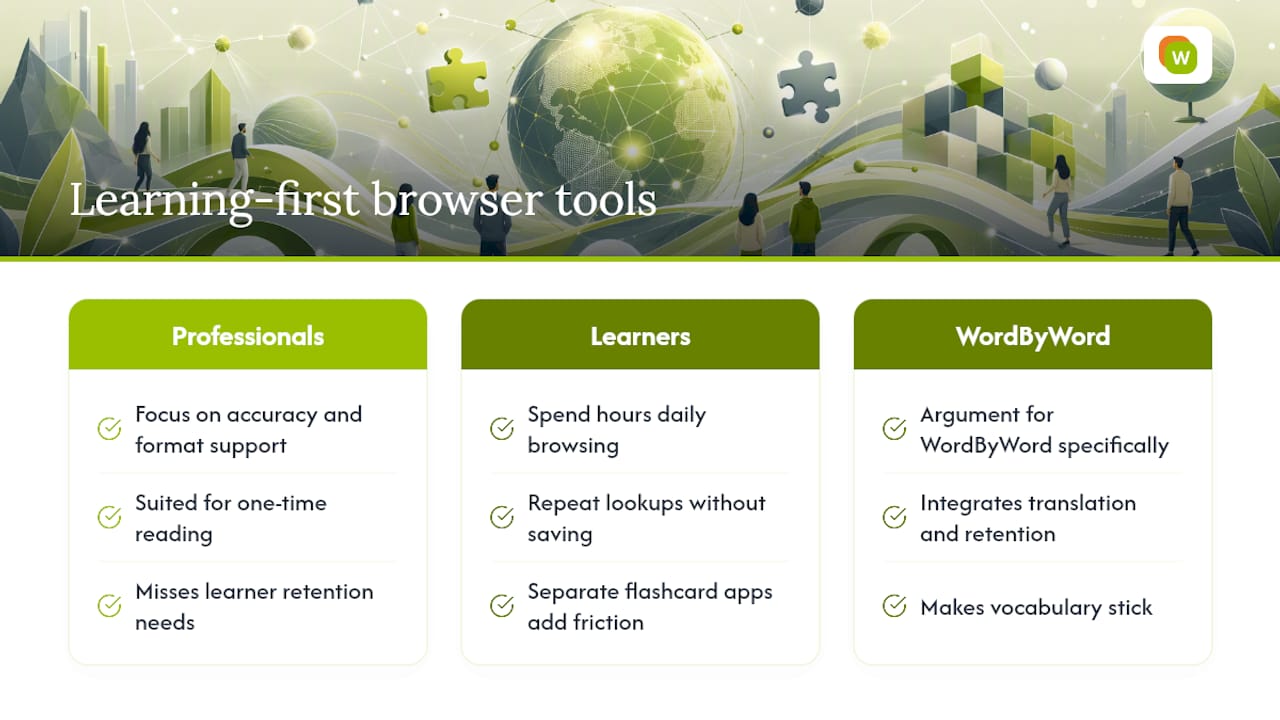
Most translation extension roundups treat accuracy and format support as the only axes that matter. That framing makes sense for a professional translator or a researcher who needs to read a document once. It misses the much larger group of people who are actively trying to learn a language and spend hours every day browsing in it.
For that group, a tool that translates accurately but saves nothing is a treadmill. You look up the same word three times because there’s no mechanism to make it stick. The conventional wisdom says “use a flashcard app separately” — but that friction is exactly why most learners plateau. The lookup happens in the browser; the review happens somewhere else; the connection between them never gets made.
What actually works is closing that loop inside the browser itself. When the translation and the retention mechanism live in the same place, the habit forms naturally. You don’t have to remember to export a word list or open a separate app. The study session is already waiting for you.
That’s the argument for WordByWord specifically, and for the broader category of learner-first extensions. The best translation tool for a language learner isn’t the one with the highest accuracy score on a benchmark. It’s the one that makes the vocabulary stick.
WordByWord turns your browser into a vocabulary engine
Every extension in this article translates. WordByWord translates and teaches. For learners who spend time reading foreign-language content online, that distinction changes what daily browsing actually produces.
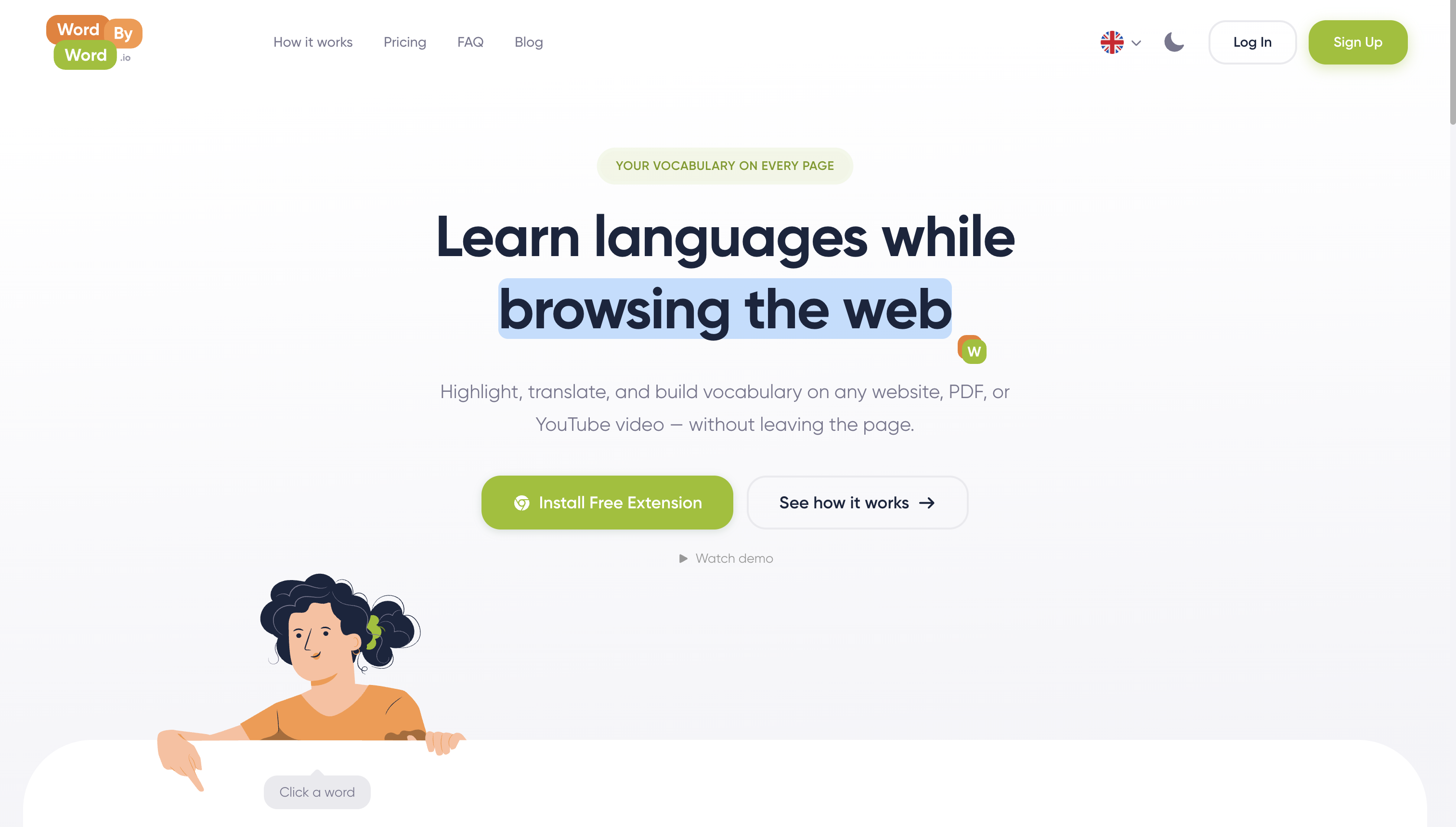
Install WordByWord free and open any foreign-language page. Spotlight mode immediately shows you which words you know and which you don’t. Hover to translate, save the ones you want to remember, and your first flashcard session is ready before you close the tab. The free tier covers core vocabulary and translation across 50+ languages. Premium adds unlimited collections, AI-powered exercises, and enhanced voiceover for learners who want to go further.
Start with the free plan at wordbyword.io and see how many words you pick up in your first week of normal browsing.
Useful sources and further reading
| Resource | What it’s useful for |
|---|---|
| WordByWord — Your Vocabulary on Every Page | Full feature overview, pricing, and install link for WordByWord |
| Translate on Hover: The Guide for Language Learners | Practical guide to hover translation workflows and retention strategies |
| Top Translation Extensions for Chrome — Nira | Independent roundup with install counts and feature comparisons across major extensions |
| Best Translator Apps for Android — Maestra | Broader context on free vs. paid translator quality expectations |
| AI Web Translator Chrome Extension: Translate + Learn — Trancy | Overview of the translate-plus-learn extension category and AI vocabulary features |
Before installing any extension: open its Chrome Web Store listing, click “Privacy practices,” and verify the developer has a published privacy policy. Check the install count and last-updated date — extensions that haven’t been updated in over a year carry a higher security risk. For the most current ratings and install counts, the Chrome Web Store listing is always the authoritative source.