TL;DR:
- WordByWord is the top YouTube language learning extension, offering AI-driven vocabulary tracking and spotlight mode. It delivers inline translations, bilingual subtitles, and cross-platform support for effective, uninterrupted learning. The free version provides core features, with a subscription unlocking advanced AI exercises and larger collections.
The best YouTube language learning extensions are AI-powered browser tools that translate vocabulary instantly, track your progress, and work across videos, websites, and PDFs without pausing your content. WordByWord leads this category by a clear margin. Install it once, and every YouTube video becomes a vocabulary lesson running quietly in the background.
Here’s what makes WordByWord stand out from every other language learning add-on for YouTube:
- Instant translation in 50+ languages directly inside YouTube subtitles, no tab switching required
- Spotlight mode highlights words on the page by mastery level, from unknown to fully learned, so you can see your progress fade in real time
- Smart flashcards generated automatically from words you encounter while watching
- AI trainer that personalizes practice sessions without interrupting your video
- Cross-platform vocabulary sync across YouTube, websites, and PDFs in one unified collection
- Progress tracking with personalized dashboards that adapt to your current skill level
Table of Contents
- What features should you look for in a YouTube language learning extension?
- How does WordByWord’s AI sharpen your vocabulary faster?
- How to get the most out of language learning extensions on YouTube
- WordByWord is the best all-in-one extension for language learners
- How do the top YouTube language extensions compare?
- How to install WordByWord in under two minutes
- What users and experts say about WordByWord
- WordByWord turns every video into a vocabulary lesson
- Key Takeaways
What features should you look for in a YouTube language learning extension?
Not every extension built for YouTube actually teaches you anything. Many just slap a translation over the subtitles and call it done. The tools worth your time share a specific set of capabilities.
Uninterrupted learning flow is the single most important factor. If an extension forces you to pause, click away, or open a new tab every time you encounter an unknown word, you’ll stop using it within a week. The best tools deliver definitions inline, right inside the video interface.
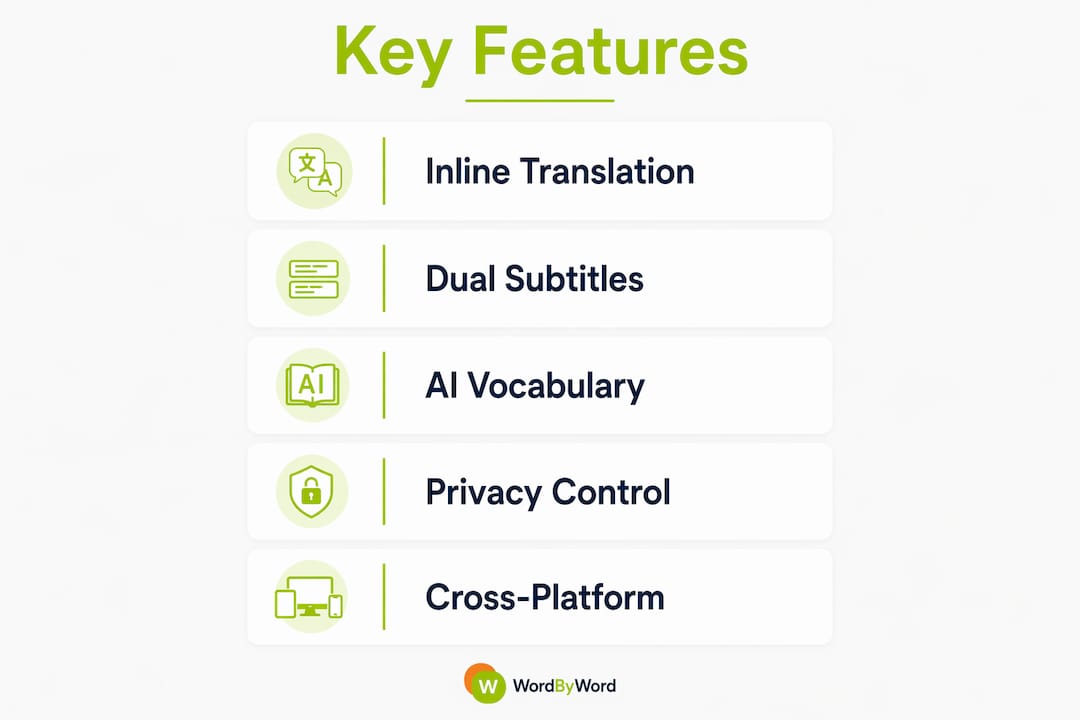
Dual or bilingual subtitles matter more than most learners expect. Seeing your target language and native language simultaneously gives you context that a pop-up dictionary never can. User reviews consistently cite bilingual subtitles as a core feature for immersive learning.
Here’s a quick breakdown of the features that separate strong extensions from weak ones:
| Feature | Why It Matters |
|---|---|
| Inline word translation | Keeps you in the video without breaking focus |
| Bilingual subtitle display | Builds contextual comprehension faster than isolated lookups |
| Vocabulary saving and export | Lets you study words in Anki or other spaced-repetition apps |
| Cross-platform support | Extends learning beyond YouTube to websites and PDFs |
| Privacy controls | Protects your data; look for local storage and minimal collection |
| Progress tracking | Shows mastery growth so you stay motivated |
Privacy deserves a specific mention. Effective extensions should minimize data collection and give you control over what gets stored. Local API key storage and no browsing history collection are the standards to look for.
How does WordByWord’s AI sharpen your vocabulary faster?
Most extensions translate words. WordByWord builds a map of what you know and what you don’t, then uses that map to teach you.

The Spotlight mode is the clearest example. As you read subtitles or browse any webpage, words are highlighted by mastery level. Unknown words glow; familiar ones fade. You can scan a page in seconds and know immediately whether the content matches your level. Over time, watching those highlights disappear is genuinely motivating.
The smart flashcard system works differently from manual flashcard apps. WordByWord generates cards automatically from words you encounter, so your deck grows without any extra effort. The AI trainer then sequences those cards based on how well you know each word, reducing cognitive load and improving long-term retention.
Pro Tip: Use Spotlight mode before committing to a long YouTube video. If most words are highlighted as unknown, the content may be too advanced. If almost nothing is highlighted, you’re ready for harder material.
Vocabulary sync across YouTube, websites, and PDFs means one collection covers everything you read and watch. That breadth matters because vocabulary built in context sticks far better than words drilled in isolation.
How to get the most out of language learning extensions on YouTube
The extension does the heavy lifting, but a few habits make a real difference.
- Watch content slightly above your level. Comprehensible input, where you understand roughly 80–90% of what you hear, produces faster acquisition than content that’s either too easy or incomprehensible.
- Let Spotlight mode run passively. You don’t need to stop and study every highlighted word. Repeated exposure across multiple videos is often enough for common vocabulary to stick.
- Export your vocabulary list regularly. Cross-platform sync and CSV export let you feed your WordByWord collection into Anki or any spaced-repetition system for deeper review cycles.
- Use bilingual subtitles for dense content. Lectures, documentaries, and news videos benefit most from dual subtitle display. Entertainment content is often fine with single-language subtitles once your level rises.
- Mix content types. Pair YouTube videos with articles and PDFs on the same topic. WordByWord tracks vocabulary across all three, so words you see in a video and then read in an article get reinforced twice.
- Check your privacy settings once after install. Confirm that data storage matches your preferences before you build a large vocabulary collection.
WordByWord is the best all-in-one extension for language learners
After testing the field, WordByWord is the clearest recommendation for learners who want YouTube vocabulary tools that actually carry over into real fluency. Here’s the short version of why:
- AI-powered translation covers 50+ languages across YouTube, websites, and PDFs in one install
- Spotlight mode gives you a live visual of your vocabulary knowledge, something no other extension offers in the same way
- Smart flashcards and the AI trainer work without any manual setup
- Cross-platform compatibility means your learning doesn’t stop when you close YouTube
- The free tier covers core features; a paid subscription unlocks unlimited collections, advanced AI exercises, and enhanced voiceover
- Vocabulary growth tied to test performance is well documented, and WordByWord’s tracking makes that growth visible
For learners preparing for language assessments, the role of a vocabulary builder in test prep is significant. WordByWord’s progress dashboards give you a clear picture of where your gaps are before exam day.
How do the top YouTube language extensions compare?
| Extension | Strengths | Limitations |
|---|---|---|
| WordByWord | AI vocabulary tracking, Spotlight mode, cross-platform (YouTube + web + PDF), smart flashcards | Advanced features require subscription |
| Dual-subtitle tools (generic) | Bilingual subtitle display, easy setup | Limited vocabulary tracking, no AI personalization |
| Transcript/summary tools | Fast content comprehension, AI summaries | Passive consumption; minimal vocabulary acquisition |
| Slang/idiom detectors | Targets advanced learners, cultural context | Narrow focus; not useful for beginners or intermediate learners |
The pattern is consistent: tools built around a single feature (subtitles, summaries, slang) serve a narrow use case. WordByWord is the only extension in this category that covers vocabulary acquisition, progress tracking, and cross-platform learning in one place.
How to install WordByWord in under two minutes
- Open the Chrome Web Store and search “WordByWord,” or go directly to wordbyword.io.
- Click “Add to Chrome” and confirm the permissions prompt.
- Pin the extension to your toolbar for quick access.
- Open any YouTube video with subtitles. WordByWord activates automatically.
- Highlight any word to translate it. Spotlight mode turns on from the extension panel.
- Your vocabulary collection starts building from the first word you look up.
WordByWord also works on Firefox and Edge. Mobile support varies by browser, so desktop Chrome or Edge gives the most consistent experience across YouTube, PDFs, and websites.
What users and experts say about WordByWord
User feedback on WordByWord consistently highlights two things: the Spotlight mode’s visual clarity and the fact that learning happens without any deliberate study session. Learners report that vocabulary they encountered passively while watching YouTube started appearing in their active speech within weeks.
From an expert standpoint, the design aligns with established second-language acquisition research. Comprehensible input combined with spaced repetition and contextual vocabulary exposure produces faster, more durable results than rote memorization. WordByWord’s architecture reflects exactly that approach: encounter a word in context, save it automatically, review it when the AI determines you’re about to forget it.
The freemium model also removes the barrier that stops most learners from committing to a new tool. Core features cost nothing. You only pay when you want the full AI training suite.
WordByWord turns every video into a vocabulary lesson
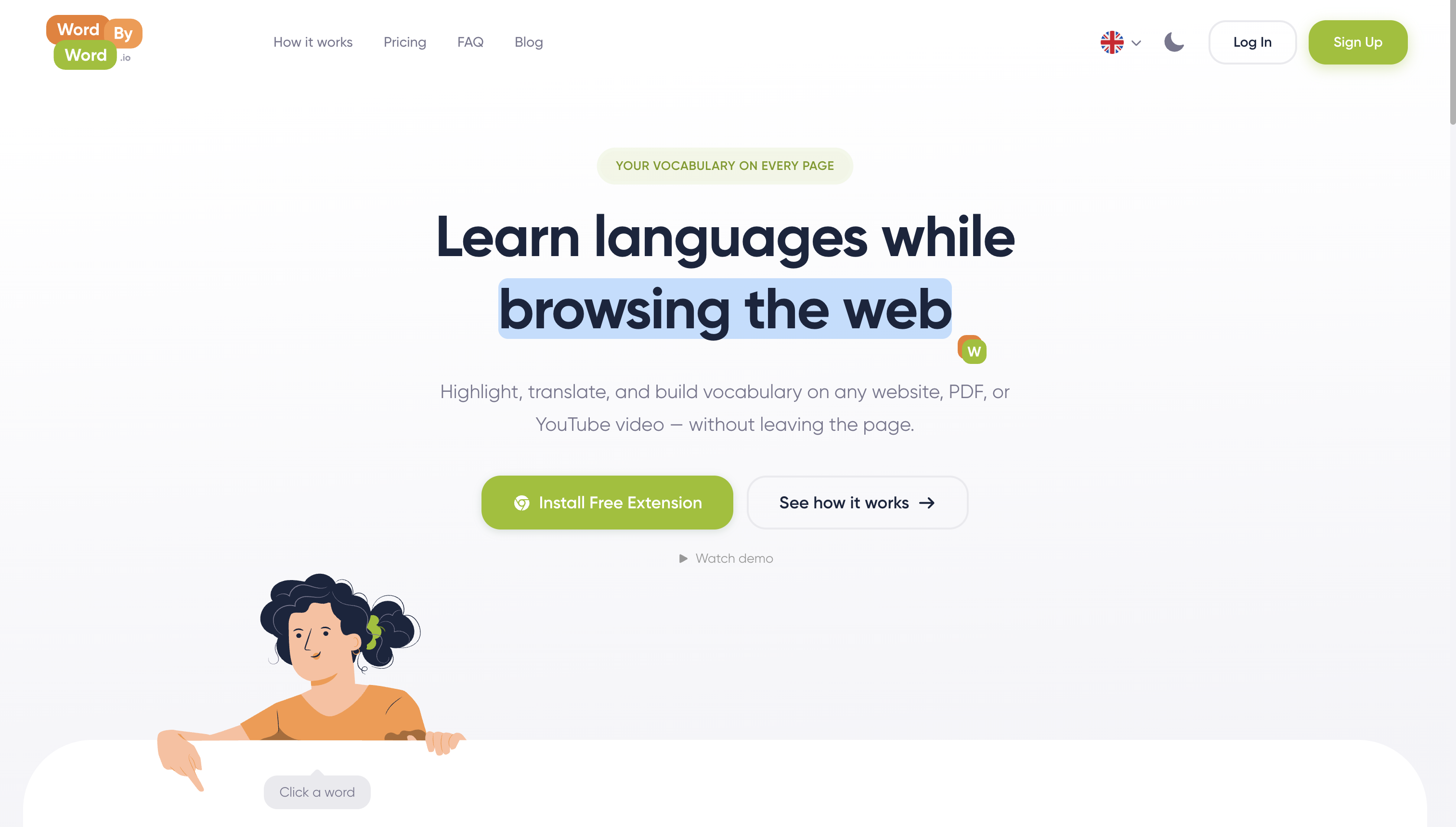
Most language learners spend hours on YouTube already. WordByWord makes that time count. Instead of watching passively and forgetting what you heard, you build a tracked, personalized vocabulary collection that grows every time you open a browser tab.
The Spotlight mode alone changes how you read the web. Seeing your knowledge gaps highlighted in real time, then watching them disappear as you learn, is the kind of feedback loop that keeps learners consistent. Add smart flashcards, AI-driven practice, and support for 50+ languages across every content type you already use, and you have a tool that fits your life rather than demanding a separate study schedule.
Start free at wordbyword.io and see how many words you already know in your target language.
Key Takeaways
WordByWord is the strongest YouTube language learning extension available because it combines AI vocabulary tracking, Spotlight mode, and cross-platform support in a single free-to-start install.
| Point | Details |
|---|---|
| Uninterrupted learning flow | The best extensions translate words inline without pausing video or switching tabs. |
| Spotlight mode advantage | WordByWord highlights words by mastery level directly on subtitles and webpages. |
| Cross-platform vocabulary sync | One collection covers YouTube, websites, and PDFs for consistent daily practice. |
| Privacy matters | Look for extensions with local data storage and minimal browsing history collection. |
| WordByWord recommendation | Free core features with an optional subscription for unlimited AI-powered training. |