

Yes, translation extensions can be private, but most aren’t by default. The safest ones process text locally on your device, run on open-source code you or someone else can audit, or sit behind a paid tier with a contractual no-logging policy. Everything else is a cloud service quietly holding onto your input. The fastest fix: stop pasting sensitive paragraphs into free translators, and check an extension’s permissions and privacy policy before you trust it with anything personal.
TL;DR:
- Most cloud translation extensions send your text to remote servers, increasing the risk of data retention and exposure, especially for sensitive information.
- On-device processing or open-source self-hosted solutions provide better privacy by keeping your text entirely local.
- Reading the privacy policy for retention policies and permissions helps identify tools that minimize data collection and sharing risks.
- Broad permissions requesting access to all page data can enable extensions to capture far more than just translated text, amplifying privacy concerns.
- Adopting a word-by-word translation habit reduces the amount of data leaving your device compared to bulk pasting, especially when combined with Spotlight mode.
Table of Contents
- How Translation Extensions Actually Work (And Where Your Text Goes)
- The Real Privacy Risks Hiding in Translation Tools
- A Five-Minute Privacy Checklist Before You Install Anything
- The Privacy-First Options That Actually Keep Text Local
- Why WordByWord Treats Every Word as Its Own Decision
- The Conventional Advice Gets This Backwards
- Try a Word-by-Word Approach Instead of Bulk Translation
- Sources
How Translation Extensions Actually Work (And Where Your Text Goes)
Every translation extension falls into one of two categories, and the difference decides who sees your words. The first processes text on-device, using a model downloaded to your browser or operating system. The second sends your text to a remote server, gets a translation back, and displays it. Most free extensions default to the second model because it’s cheaper to build and easier to keep accurate.
That server round-trip means your text passes through several hands: the extension developer, the API provider running the translation model, and often a content delivery network in between. Each hop is a place where text can be logged, even briefly.
Browser extensions also request permissions, and one phrase should catch your attention: “read and change all your data on websites you visit.” That’s a broad grant. It lets an extension see everything on a page, not just the sentence you highlighted.
- On-device processing keeps translation local; no network call means no external server sees your text.
- Cloud-based extensions send text to an API, where retention policies vary widely, as Polilingua notes about many AI translation services.
- Broad permissions let an extension read page content even when you’re not actively translating.
You can often spot which model an extension uses by opening your browser’s network inspector and watching for outbound requests when you translate a phrase.
The Real Privacy Risks Hiding in Translation Tools
The biggest risk isn’t a hacker. It’s the ordinary policy each service already discloses, if you bother to read it.
Many free translation tools retain input text to improve their underlying models, and most don’t offer an opt-out. Apple’s own Translate documentation states that by default, text and audio may be sent to Apple’s servers, and transcripts can be stored for up to two years unless you download the relevant language packs for on-device processing. That’s Apple, a company with a strong general privacy reputation. Smaller or free-tier competitors are rarely more conservative.
The gap most people miss: convenience and privacy pull in opposite directions. Mainstream cloud tools optimize for accuracy and speed, which requires collecting more data, not less.
Cross-border transfers add another layer of exposure. When your text lands on a server in a different country, it may fall under that country’s legal framework instead of your own, a concern the European Commission’s translation knowledge centre flags specifically for cloud CAT tools and free machine translation. If you’re translating a contract, medical note, or legal filing, that jurisdiction question isn’t abstract.
Finally, permission creep compounds all of it. An extension that can read every page you visit can, technically, capture far more than the sentence you selected.
A Five-Minute Privacy Checklist Before You Install Anything
Run through this before adding any translation extension to your browser, not after.
- Read the privacy policy for retention language. Look for explicit no-logging or no-retention wording, and a stated timeline for how long input text is kept.
- Identify the processing model. Check the developer’s documentation, or watch your browser’s network tab while translating; if you see outbound requests to a remote API, it’s cloud-based.
- Check the permissions list. Favor extensions that request only the access they need. If a simple word-lookup tool asks to read and change data on every site, that’s disproportionate.
- Look for open-source code. A public repository means someone besides the developer can verify what the extension actually does with your text.
- Look for local controls. History toggles, telemetry opt-outs, and downloadable offline language packs all reduce what leaves your device.
- Run a quick test. Translate one harmless sentence, watch the network activity, and see exactly where the request goes.
The Chrome Web Store’s privacy section on extension listings, including Google Translate’s own page, is a fast first stop. Developers are required to disclose whether they use external services there.
Pro Tip: Never trust a marketing page’s privacy claims at face value. Go straight to the linked privacy policy and search the page for the word “retain” or “store.” If neither appears, treat the tool as if it retains your data indefinitely.
The Privacy-First Options That Actually Keep Text Local
Local, on-device translation is the closest thing to a privacy guarantee this category offers, since text never leaves your machine. The trade-off is resource use: local models need storage space and some processing power, and they can lag slightly behind cloud models on obscure language pairs.
Open-source, self-hosted engines are the next best thing. Projects like LibreTranslate-style self-hosted setups let technical users run their own translation server, with full visibility into the code and zero third-party data sharing. On the browser side, projects like Native Translate process everything locally using Chrome’s built-in on-device translator, with the developer explicitly declaring zero telemetry and no external servers in the project’s open-source code.
- Browser built-ins and downloaded language packs, like those behind Firefox’s Translations add-on, enable offline processing once both languages are installed.
- Enterprise or pro-tier hosted services with contractual no-logging clauses can be appropriate for regulated content, when a signed agreement backs the claim.
- For anything sensitive, redact identifying details, translate in smaller chunks instead of full documents, and use private or ephemeral browser sessions when possible.
Why WordByWord Treats Every Word as Its Own Decision
Most privacy exposure in translation tools comes from a habit: pasting an entire paragraph, email, or document into a box and hitting translate. WordByWord’s extension is built around a different habit entirely. Its Spotlight mode highlights individual unknown words directly on the page you’re already reading, so you translate one word at a time instead of exporting whole passages to a third-party service.

That per-word approach naturally limits how much of your original text ever needs to touch a translation call. Saving a handful of unfamiliar terms to a personal collection is a fundamentally smaller data footprint than piping full articles or private messages through a cloud translator.
For learners who want to tighten this further, a few habits help: stick to word and short-phrase lookups rather than bulk-translating entire documents, avoid exporting sensitive collections outside your account unnecessarily, and check which processing mode your extension of choice defaults to before working through anything personal.
The Conventional Advice Gets This Backwards
Most guides tell you to hunt for the “most private” translation tool as if one universal winner exists. That framing misses the point. The real variable isn’t the tool. It’s how much text you feed it.
A cloud-based translator handling single words carries far less exposure than a fully local tool being fed entire confidential documents through a workaround. The PrivacyTools guide makes this trade-off explicit: local and self-hosted options rank highest for sensitive text, precisely because they remove the transmission step altogether, not because cloud tools are inherently malicious.
What the reader should prioritize first isn’t finding a flawless extension. It’s changing the workflow: translate the word or phrase you actually need, not the whole page, and reserve full-document cloud translation for text you’d be comfortable emailing to a stranger. That single habit shift closes more exposure than switching extensions ever will.
— WordByWord Team
Try a Word-by-Word Approach Instead of Bulk Translation
You can translate what you actually need on a page, in a PDF, or in YouTube subtitles, one word at a time, instead of copying whole passages into a confidential cross-language messaging box. A mode highlights unfamiliar words right where you’re reading, so you look up single terms instead of exporting entire documents to a third party server. Those lookups build into personal collections you can review later with spaced repetition, across various languages.
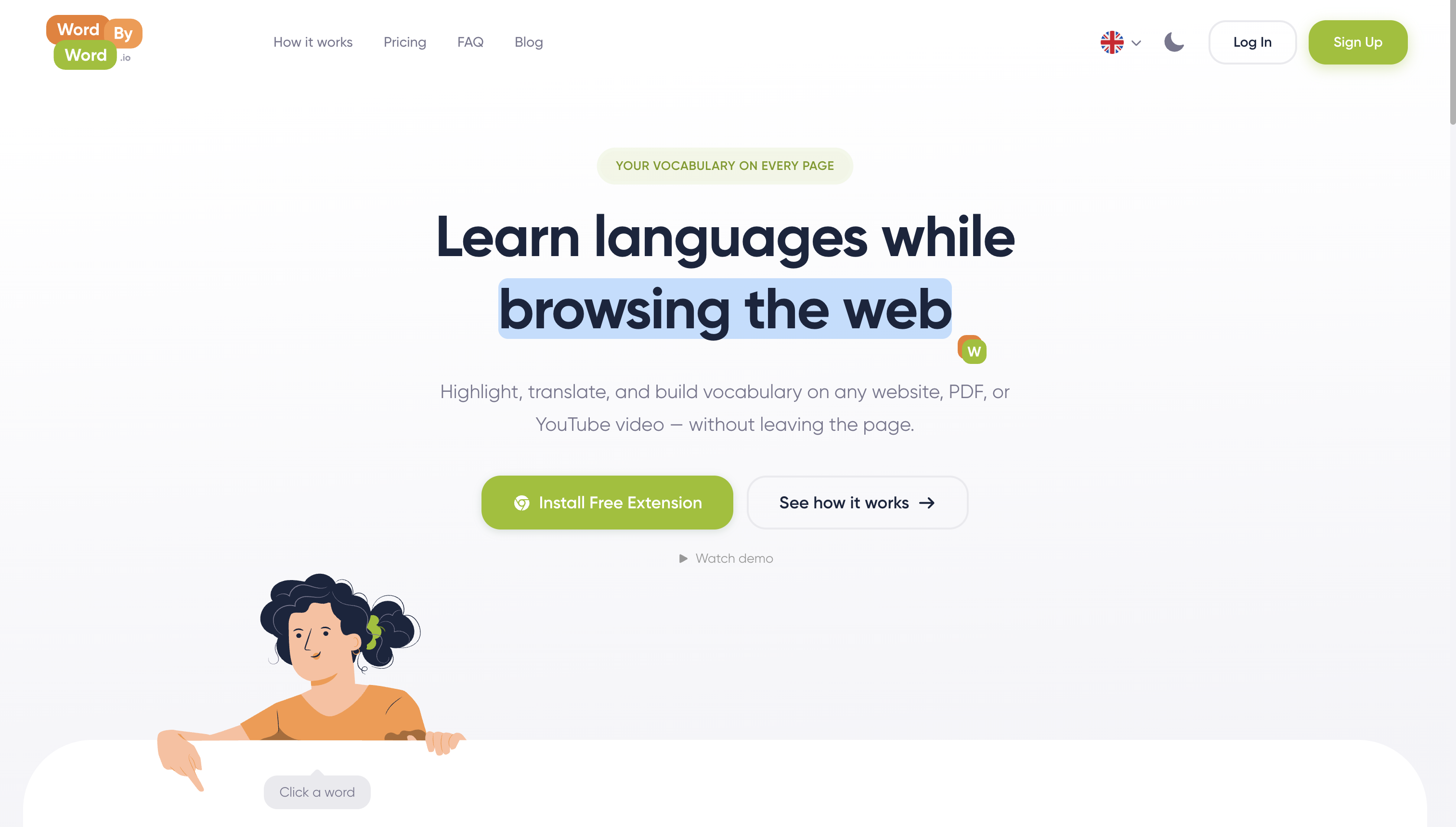
Because each translation call covers a word or short phrase rather than a full page, less of your original text ever leaves your control compared with pasting a document into a general-purpose cloud translator. If you’re a language learner who wants that habit built into your browser, install the WordByWord extension and try Spotlight mode on the next article, PDF, or video you read in a language you’re learning.
Sources
- Apple Translate data & privacy
- Private translation & grammar tools (PrivacyTools)
- AI translation tools and data privacy (Polilingua)
Inspect a project’s own privacy policy and, where available, its source code before you install it. That single habit catches more risk than any single feature comparison.


