
Finding a language learning tool that fits naturally into daily browsing habits without feeling like extra homework is harder than it should be. Many browser extensions limit content types, hide power features behind paid plans, or skip advanced practice in favor of basic translations alone. This list compares features, content integration, and pricing in six browser-based tools so language learners can pick the right fit without trial and error.
Table of Contents
WordByWord
At a Glance
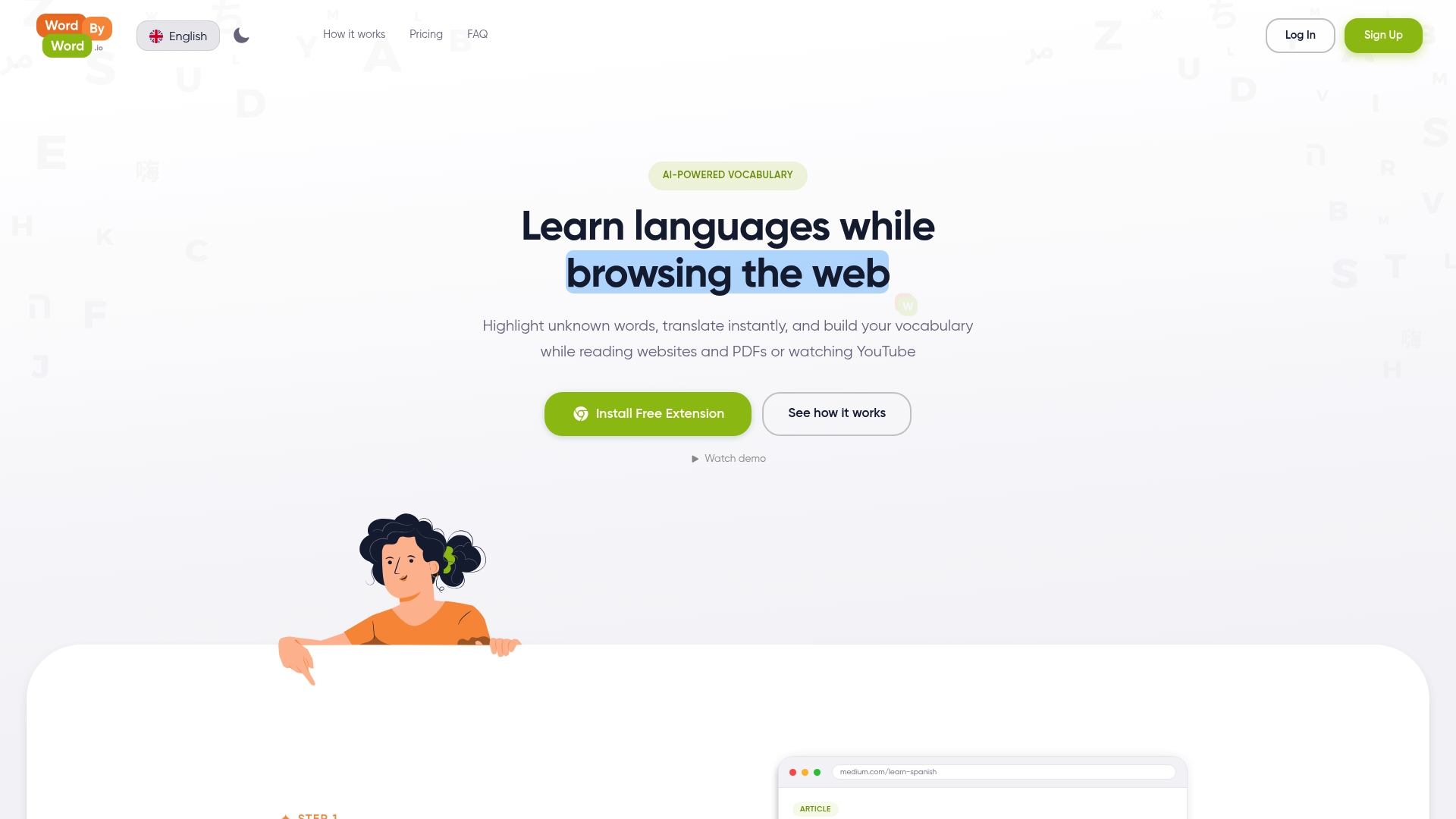
Spotlight mode turns any web page into a visual vocabulary map by highlighting words from unknown to mastered. The highlights fade as you learn, so you can scan a page and judge its difficulty at a glance. The extension works inside webpages, PDFs, and YouTube subtitles to keep studying inside normal browsing.
Core Features
WordByWord highlights unknown words and offers instant translations while you read, so you do not need to switch apps. It tracks each word’s progress and saves items to personalized vocabulary collections that you can import or export. The extension includes smart flashcards and an AI trainer that generate review exercises from your saved words.
Key Differentiator
The vendor states support for over 50 languages while applying AI training directly to real web content and community lists. That combination lets you study words you actually encounter online instead of working only from textbook drills. Community curated collections speed up topic or exam preparation by grouping high value vocabulary.
Pros
The core tools are free and usable without limits, which lowers the barrier to frequent practice. Setup is quick and the extension runs inside your browser so you learn while reading articles, watching videos, or opening PDFs. Integration with YouTube subtitles and PDF reading keeps study material authentic, and import/export of CSV or PDF files helps you move vocabulary between tools.
Cons
- Limited to a browser interface and not available as a native mobile app, which makes offline use harder for commuters.
Notable Integrations
-
YouTube subtitles
-
PDF document reading
-
CSV and PDF import export
Who It’s For
Language learners who want to build vocabulary during normal web browsing will get the most value. It suits students juggling multiple languages and travelers who practice with news and videos. Learners preparing for exams can use community lists and the AI trainer to focus study on target vocabulary.
Unique Value Proposition
Spotlight mode that marks words on the page changes how you select study material. Instead of searching for lesson content, you read real articles and the extension surfaces vocabulary that matters to you. That workflow reduces time spent on artificial drills and keeps review tied to contexts you encounter daily.
Real World Use Case
A learner installs the Chrome extension, opens a foreign news site, and lets Spotlight flag unfamiliar words. They click each highlight to translate and add words to a collection. Later, the AI trainer turns that collection into flashcards and practice exercises for short review sessions.
Pricing
A free plan covers the core features and unlimited usage of basic tools. Premium costs $5.99 per month or $59.90 per year and unlocks unlimited collections, enhanced voiceover, and additional AI generations.
Website: https://wordbyword.io
Toucan
At a Glance
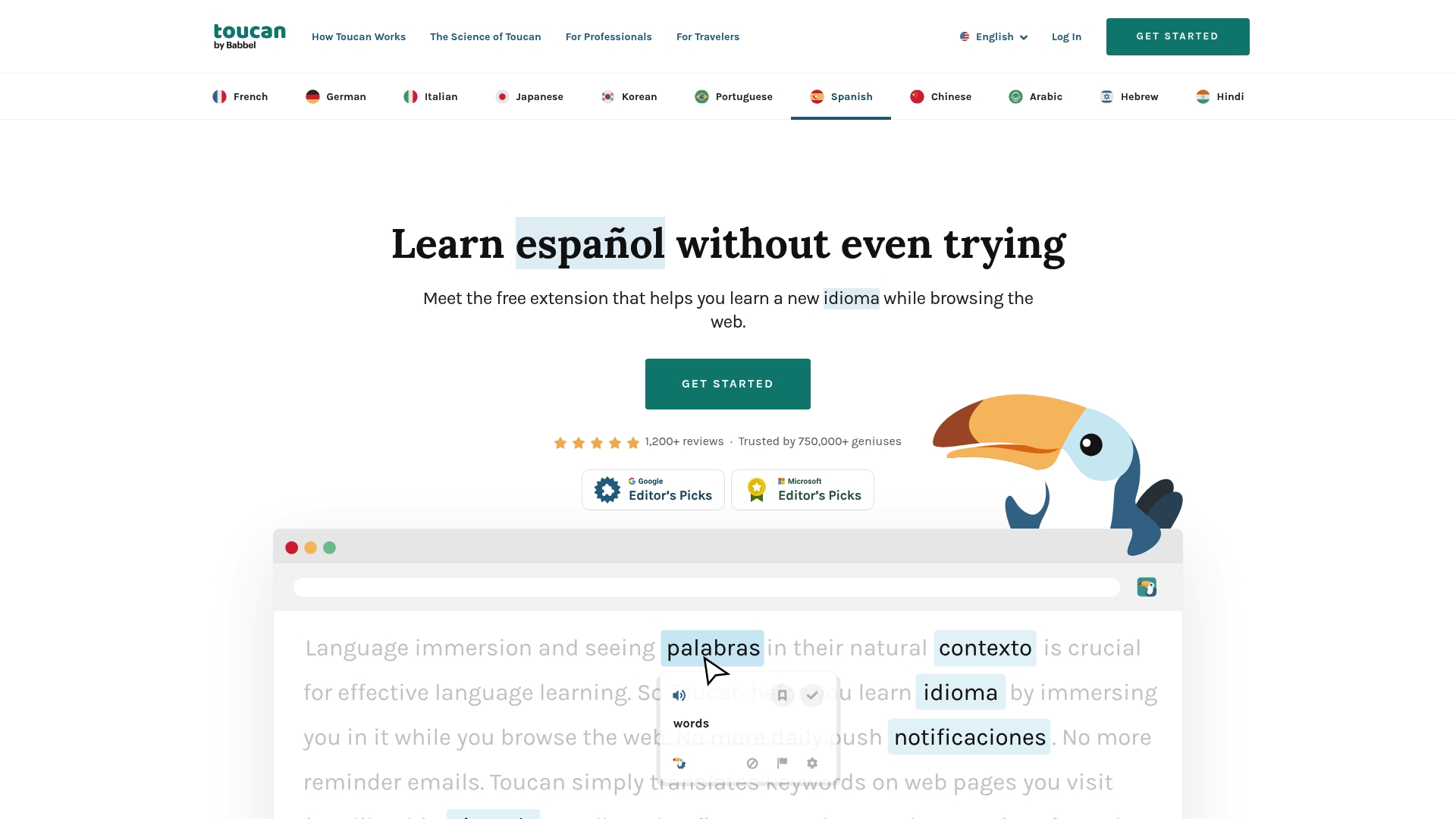
Toucan reports positive feedback from over 750,000 trusted users. It replaces words and short phrases on pages with translations in your target language so learning happens inside real browsing sessions. The extension inserts micro quizzes and short practice moments on popular sites such as Google, Twitter, and Reddit.
Core Features
Toucan performs instant translations of words and phrases directly on visited websites and relies on context to teach vocabulary rather than formal lessons. It tracks progress and awards achievements while offering shortcuts for common phrases in everyday situations. The tool also runs brief, in‑page practice sessions that aim to reinforce new words as you encounter them online.
Key Differentiator
Built on principles of natural language acquisition, Toucan emphasizes passive exposure and repeated contextual encounters with words. WordByWord targets vocabulary retention across a broader set of content types and active review tools, while Toucan focuses on small, repeated learning moments inside the sites you already use. That narrower focus makes Toucan a lightweight option for learners who want steady, low-effort exposure.
Pros
The extension brings language learning into ordinary browsing, so you pick up words without blocking out study time. Because it follows natural acquisition theories, the interface nudges you toward context-based retention rather than rote drills. Toucan is free for Chrome and Edge, offers progress tracking and achievements, and benefits from the positive response captured in that figure above, which suggests many people find its approach appealing.
Cons
-
No substantive independent third-party reviews exist, so external validation of user satisfaction is limited.
-
Lacks a detailed, structured curriculum or explicit pathways for advanced proficiency development.
-
Effectiveness may vary because Toucan does not provide formal assessment or comprehensive corrective feedback.
When It May Not Fit
Learners who need a full, graded course with levels and exams will find Toucan too light. If you require targeted speaking practice with corrective feedback, this extension does not offer that function. Teachers or programs that need measurable assessment data should look for tools with formal testing and reporting features.
Who It’s For
People who want relaxed, context-based vocabulary growth while they browse will get the most from Toucan. It suits casual learners trying to build passive comprehension and those who want to supplement classroom lessons with everyday exposure. Installers who prefer a low-friction, set-and-forget learning habit will find it especially convenient.
Real World Use Case
A learner installs Toucan and sets Spanish as their target language. While reading news, scrolling social feeds, and researching topics, the extension swaps select words into Spanish and prompts tiny quizzes. Over weeks the user accumulates new vocabulary through repeated, contextual encounters without scheduling extra study time.
Website: https://jointoucan.com
InterSub
At a Glance
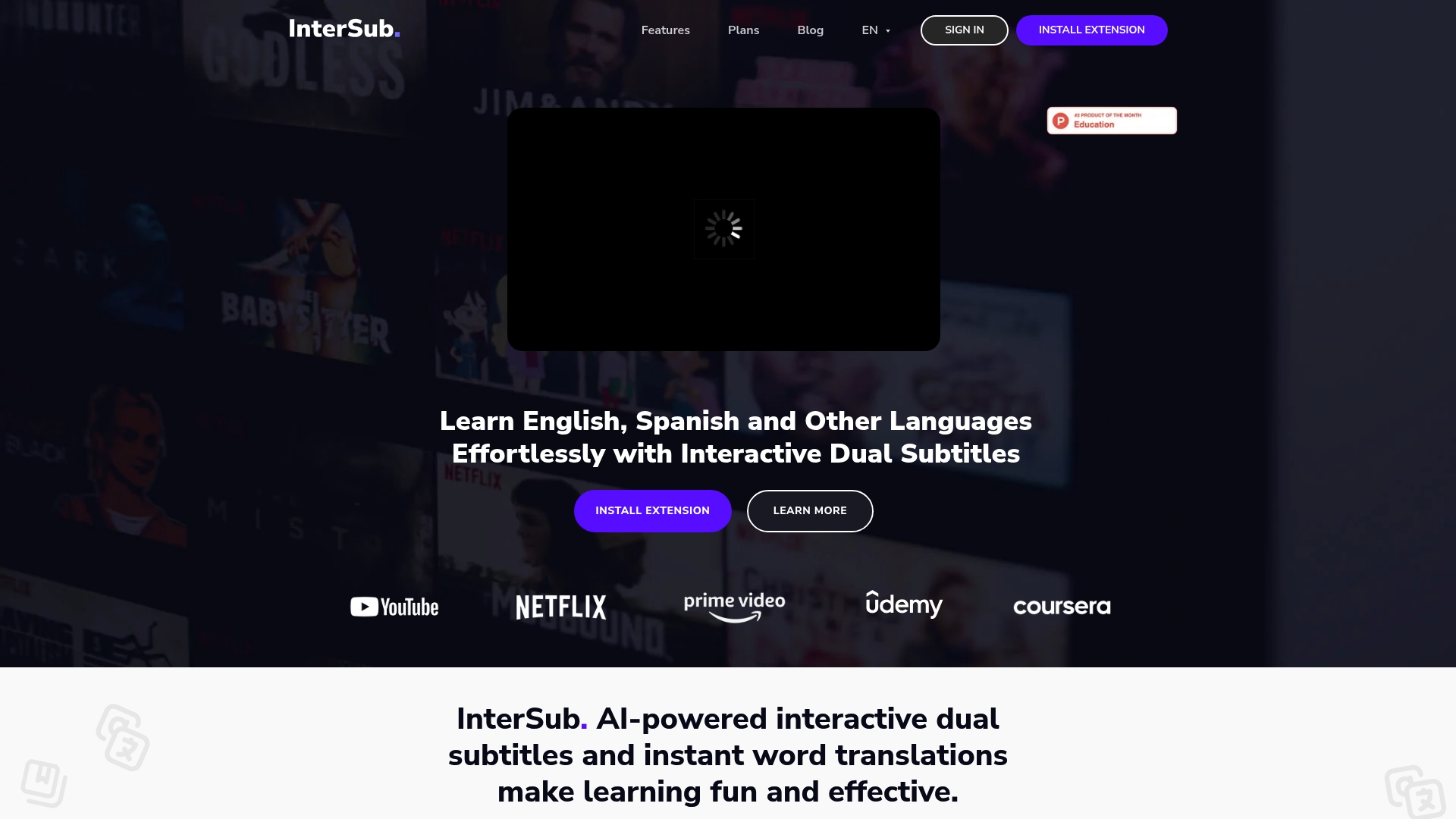
Supports over 30 languages, including right to left languages, while showing dual subtitles directly on streaming video. The extension offers instant word translations, phrase detection, and a 14 day free trial for new users.
Core Features
InterSub overlays interactive dual subtitles and provides instant translations while you watch video content. The extension uses AI powered phrase detection to recognize phrasal verbs, idioms, and compound nouns and lets you save vocabulary to a personal list. It works across major streaming and course platforms and offers remote control via phone for big screen viewing.
Key Differentiator
InterSub centers on AI driven translations inside video subtitles. That focus creates a full cycle workflow from encountering a word to saving and reviewing it, which differs from WordByWord’s emphasis on in page vocabulary while browsing.
Pros
InterSub makes language practice part of your regular viewing routine by adding interactive subtitles and instant lookup to shows and lectures. The ability to save words into a personal vocabulary list and export or review them on mobile apps increases long term retention. Broad platform support means you can use the same workflow on YouTube, Netflix, Prime Video, Coursera, and other learning sites.
Cons
-
Functionality depends on an active internet connection and on browsers that support the extension.
-
Pricing details vary by tier and are explained on the vendor site, which may require a close look before you subscribe.
-
Full Safari support and native mobile apps are upcoming, so current mobile capability relies on companion apps and bots.
When It May Not Fit
If you primarily use Safari or need a native mobile app today, InterSub will feel incomplete. If you need offline subtitle lookup or work without steady internet access, this extension is not ideal. Organizations requiring enterprise level deployment or centralized user management will need a different solution.
Notable Integrations
InterSub integrates directly with major streaming services such as YouTube, Netflix, Prime Video, HBO Max, and Crunchyroll. It also connects to educational platforms including Coursera, Udemy, and LinkedIn Learning. The extension runs in Chrome, Edge, and Firefox, where those platform players can be augmented with interactive subtitles.
Who It’s For
Language learners who watch films, series, and online courses and want to turn passive viewing into active study will benefit most. Students who need context specific vocabulary while following lectures will find the phrase recognition useful. Casual learners who prefer learning through entertainment will appreciate the low friction workflow.
Real World Use Case
A daily Netflix watcher turns on InterSub and taps unfamiliar words while streaming. They save difficult words to a vocabulary list and later review them on a flashcard app. The user improves comprehension without interrupting their viewing habits.
Pricing
A free plan is available with limits and a 14 day free trial. Pay as you go credit starts at $1.5 and premium access starts at $6 per month. Full pricing breakdowns and premium feature lists are available on the vendor site.
Website: https://intersub.cc
Migaku
At a Glance
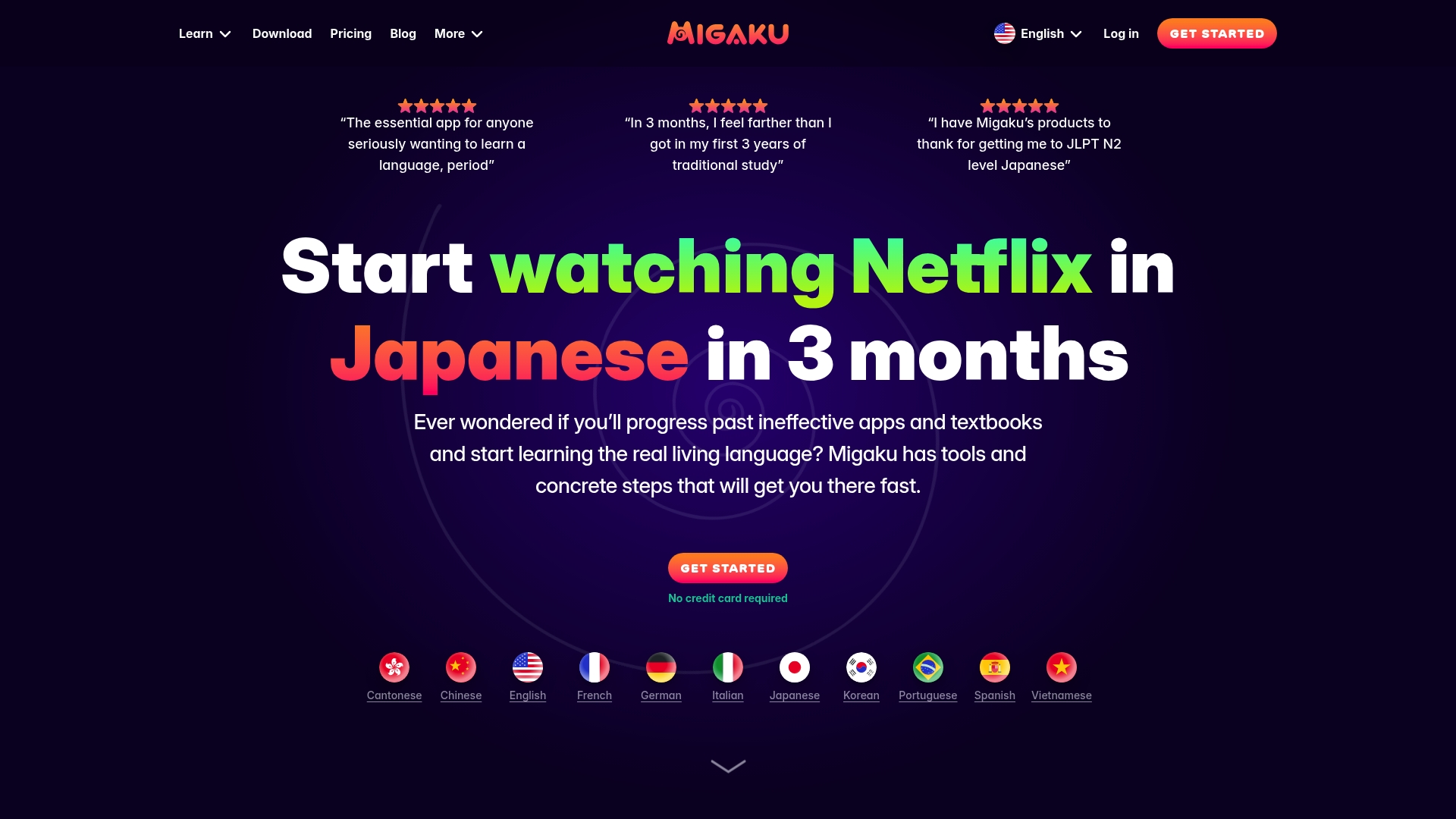
Migaku offers a one-time lifetime purchase of $499 alongside monthly subscription options. It converts Netflix, YouTube, and web pages into editable study material by parsing subtitles and page text. The extension bundles dictionaries, AI explanations, and content tracking to help you monitor comprehension.
Core Features
The Chrome extension captures text and subtitles from sites so you can make study items from native media. Flashcards include context sentences, audio, images, and AI-generated explanations, and you can import or create custom cards from any page. A content tracker scores comprehension while the built-in spaced review system reinforces retention.
Key Differentiator
This tool turns popular websites into a media-driven learning environment with on-page study tools and AI explanations. That focus on learning from the exact videos and pages you already watch makes study feel like natural input. The product prioritizes extracting vocabulary directly from your entertainment and reading material.
Pros
Immersion tools let you learn vocabulary inside shows and articles, which speeds recognition during real listening. The flashcards are rich with context, audio, and images, which helps memorization beyond single-word lists. AI explanations clarify grammar and word nuance when simple translations miss meaning. Content tracking and comprehension scoring reveal which materials require more review over time. Active Discord and social channels help users solve workflow questions and share card sets.
Cons
-
Reported technical bugs and stability issues affect playback or card syncing for some users.
-
Steep learning curve. New users must learn many controls before efficient card creation.
-
Limited export options make moving study material into Anki or other tools difficult.
-
Closed ecosystem and restricted customization frustrate users who want flexible workflows.
When It May Not Fit
Not a good choice if you need tight Anki integration or exportable study libraries. Beginners who prefer guided lesson plans may find the interface overwhelming. Users who require enterprise stability or predictable bug fixes should consider more stable alternatives.
Who It’s For
Serious learners who spend hours watching native media and want to extract vocabulary will get the most value. Intermediate and advanced learners will appreciate the advanced card features and AI explanations. Casual learners who want simple drills or goal-driven lesson plans will likely prefer other tools.
Real World Use Case
A learner uses the extension with Netflix to capture subtitle lines and make context-rich flashcards. They review those cards in the spaced review system and track comprehension across months. Over time, the learner replaces passive watching with targeted review that improves listening comprehension.
Pricing
Free tier available, then subscription plans start at $10 per month. Early access options exist at $15 per month, and the vendor offers a one-time lifetime purchase at $499.
Website: https://migaku.com
Language Reactor
At a Glance
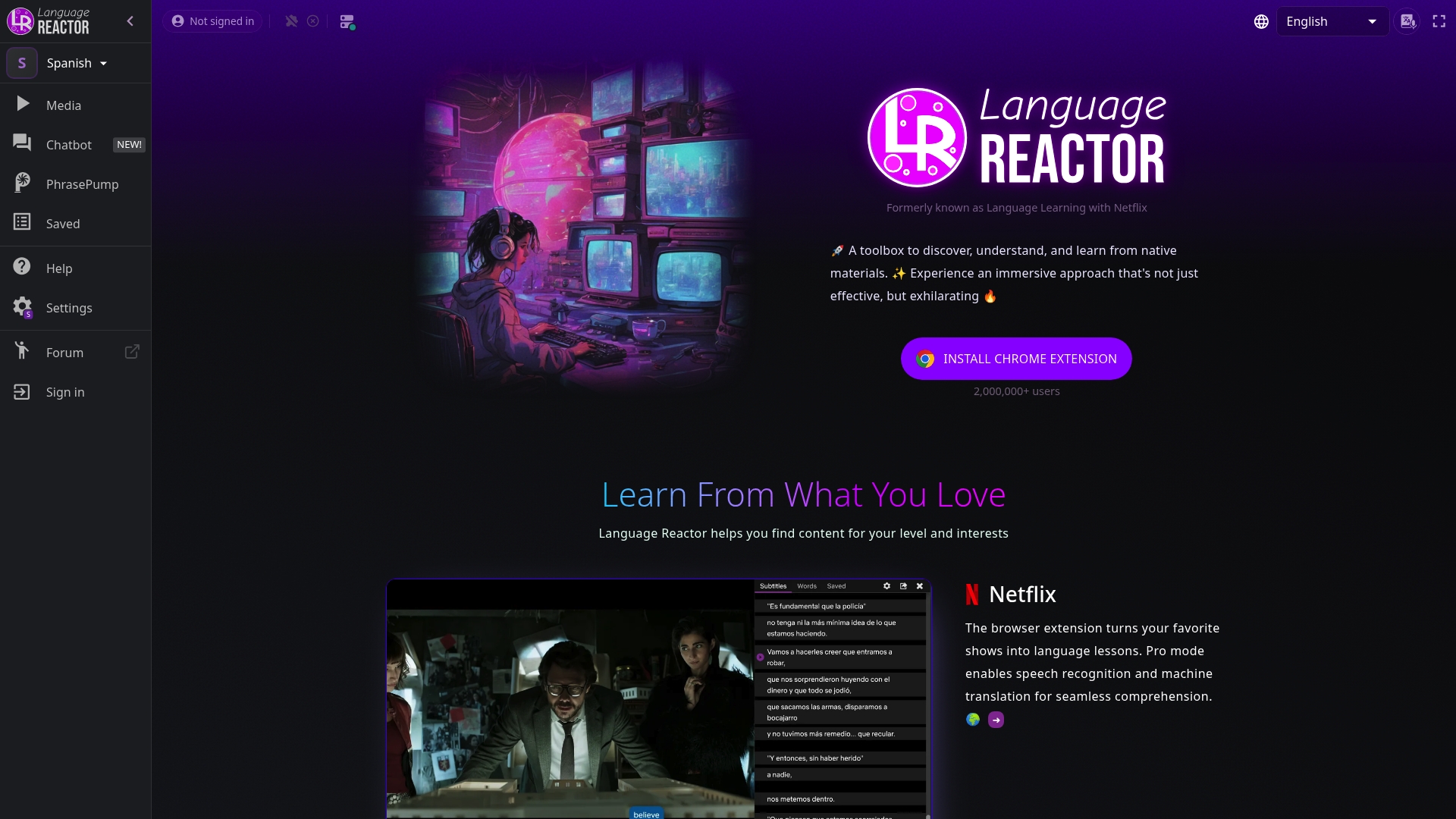
A Chrome extension that supports content in over 40 languages and overlays bilingual subtitles on shows and videos. It works with Netflix, YouTube, podcasts, and websites to make unknown words clickable and saveable. Pro features add speech recognition, machine translation, and AI powered explanations to speed vocabulary learning. This design turns passive watching into active practice without leaving the media player.
Core Features
Language Reactor runs as a browser extension and pairs videos and web content with bilingual subtitles and an integrated dictionary that shows instant translations and example sentences. The extension highlights vocabulary and offers training tools such as What to learn, Smart Highlighting, and PhrasePump to turn highlighted words into review items. Pro features include speech recognition, machine translation, saved vocabulary, and AI powered explanations for tricky phrases.
Key Differentiator
Language Reactor integrates native multimedia content directly with AI powered assistance so you learn words in the context where they appear. That combination of on screen highlights, instant lookup, and automated review makes media into a continuous vocabulary trainer rather than a separate lesson. The tool targets learners who want learning embedded inside the shows and videos they already watch.
Pros
The extension creates an immersive learning loop by letting you click any subtitle line for definitions and example uses. Supporting major media sources like Netflix and YouTube gives access to real speech and authentic contexts that boost listening and comprehension. The free tier covers core features while the Pro tier adds speech recognition and AI explanations that help with pronunciation and tricky grammar points.
Cons
-
No widely published third party reviews exist, which limits independent evaluation of long term user experience.
-
The product works primarily through a Chrome extension, so people who avoid Chrome or prefer a native mobile app will face limits.
-
The emphasis on media based learning may leave gaps for learners who prefer structured grammar drills and textbook style exercises.
-
Some advanced features are behind the Pro paywall, which fragments the experience between free and paid learners.
When It May Not Fit
Choose a different tool if you need a standalone mobile app for offline study or if your daily study relies on formal grammar sequences. Pick a more traditional flashcard or classroom style solution if you prefer isolated drills over contextual learning. Also avoid this option if independent user reviews are critical to your procurement process.
Who It’s For
Language Reactor fits learners who want to learn vocabulary from TV shows, YouTube, and podcasts while keeping entertainment and study in the same session. It suits intermediate learners who can follow some audio and want to fill vocabulary gaps quickly. It also serves learners who value clickable subtitles and saved vocabulary lists more than formal lesson paths.
Real World Use Case
A learner installs the Chrome extension, opens a Netflix episode, and watches with bilingual subtitles active. They click unknown words to see instant translations and example sentences, then save difficult items to a vocabulary list. Later the learner reviews saved items with PhrasePump and practices speaking with the extension’s speech recognition feature.
Pricing
Language Reactor offers a free tier for basic features and a Pro subscription for advanced tools. Pro pricing is US$5.95 per month, US$13.95 every three months, or $39.95/year for annual access. The paid tier unlocks speech recognition, machine translation, saved vocabulary, and AI explanations.
Website: https://languagereactor.com
Clozemaster
At a Glance
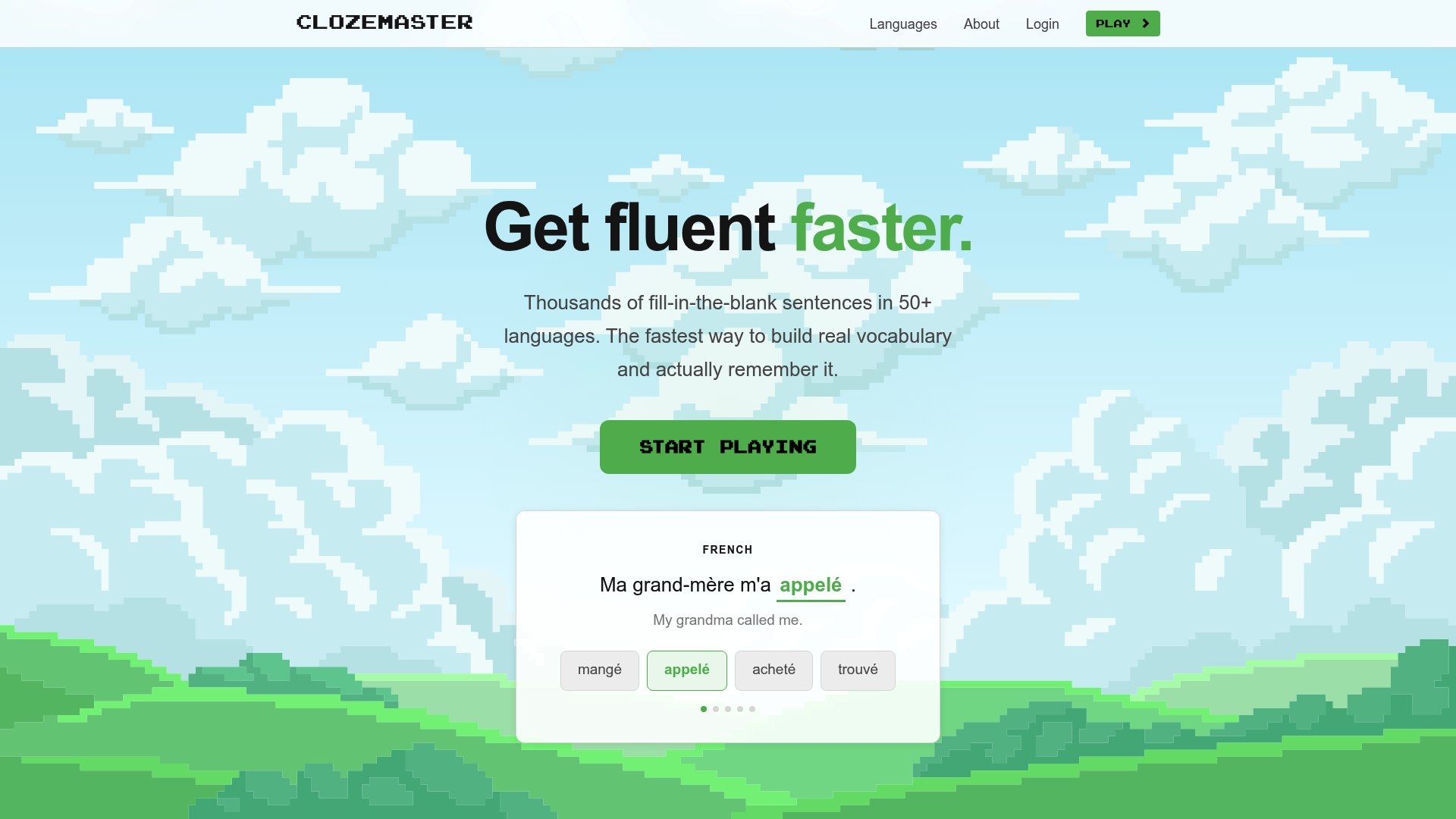
Supports 50+ languages and over 170 language pairings while teaching through short, context-rich sentences. The app centers on fill in the blank sentence drills that build vocabulary and grammar naturally. It pairs a spaced repetition method with progress tracking to keep practice focused and measurable.
Core Features
Clozemaster delivers sentence-based practice across web and mobile with a large, frequency-organized sentence database and topic filters. The platform combines a spaced repetition system with progress tracking and on-demand hints to reinforce recall. It also offers AI-powered grammar analysis and contextual hints to explain usage when you request them.
Key Differentiator
The product leans on a focused sentence-based learning system to teach words in real usage rather than isolated cards. That emphasis helps learners see grammar and collocation in context. The AI grammar and hint tools make the sentence approach easier to use for intermediate and advanced learners.
Pros
Clozemaster makes vocabulary stick by showing words inside real sentences. Its content covers many language pairings and organizes examples by frequency and topic, which saves time when you practice targeted vocabulary. The interface stays clean and fast, so you can run high-volume drills without distraction. The development team responds to user requests and updates content, which keeps the sentence pool relevant.
Cons
-
Exercise variety is narrow. Most practice relies on fill in the blank tasks rather than diverse activity types.
-
Weak emphasis on speaking and listening. The tool focuses on reading and recognition more than pronunciation practice.
-
Advanced features sit behind a Pro tier, which limits some functionality for free players.
When It May Not Fit
If your primary goal is to bulk up speaking fluency or listening comprehension, Clozemaster will feel limited. The product focuses on recognition, not production, and it does not replace structured speaking practice with tutors or conversation partners. If you need varied exercise formats such as guided speaking drills, look elsewhere.
Who It’s For
This product suits self-motivated learners, students, and polyglots who prioritize vocabulary and contextual grammar. It fits people who enjoy short, repeatable drills and who want to layer sentence exposure on top of courses or textbook study. Casual learners who need hands-on speaking practice only may prefer a different service.
Real World Use Case
A learner finishes a beginner Spanish course and uses Clozemaster to move vocabulary into active memory. They run twice-daily sentence drills targeted to travel and conversation topics and rely on spaced repetition to schedule review. When a grammar point confuses them, they request a contextual hint and apply the explanation to real examples.
Pricing
Clozemaster is free to play with core sentence drills and progress tracking available at no cost. A Pro tier unlocks advanced features and extra content for power users. Exact Pro pricing is not publicly listed on the vendor site and requires checking the product website for current rates.
Website: https://clozemaster.com
Comparison of alternatives
Language learners adopting browser extensions for vocabulary building encounter varied methodologies tailored to their browsing and media habits, with WordByWord.io excelling at integrating vocabulary study naturally into web content consumption.
Integrated Content Interaction
WordByWord.io leverages Spotlight Mode to uniquely highlight unknown vocabulary in active web content, offering direct word interaction and memory tracking within live browsing. By contrast, Toucan emphasizes passive context exposure through automatic word replacements on popular sites, making it less direct but ideal for casual learners who prefer minimized focus interruptions.
Media-Oriented Platforms
InterSub and Language Reactor specialize in enhancing video and subtitle-based learning. InterSub’s dual subtitles and AI phrase recognition assist learners seeking to dissect idiomatic expressions in shows, whereas Language Reactor offers bilingual subtitle line interaction for rapid vocabulary lookups followed by AI-assisted review tools. These services cater to learners valuing audiovisual contexts over text-based study.
Best fit
-
Learners incorporating dynamic browsing into language practice should choose WordByWord.io to benefit from real-time vocabulary highlighting and AI-enabled reviews.
-
Casual viewers preferring unobtrusive subtitle-based learning will appreciate options like InterSub for its integration with video streaming platforms.
-
Students aiming for structured, sentence-based drills should leverage Clozemaster, which organizes retention practice around targeted usage.
Our pick
WordByWord.io stands apart with its Spotlight Mode feature, enabling vocabulary study directly within users’ daily web activity without requiring additional scheduling for separate study sessions. However, individuals focusing exclusively on video subtitles might explore InterSub or Language Reactor as specialized solutions. Ultimately, for browser-integrated language learning during diverse browsing tasks, WordByWord.io offers flexibility and functionality.
To choose the best browser extension for language learning, evaluate each option’s unique features, target users, and availability of tools.
| Product | Key Feature | Best For | Price | Limitation |
|---|---|---|---|---|
| WordByWord | Highlights words and tracks learning progress | Browsing and contextual vocabulary tasks | Free core features, Premium $5.99/month | Browser interface only, lacks a native mobile app |
| Toucan | Context-based vocabulary integration during browsing | Casual learners seeking passive vocabulary | Free, Premium details unavailable | Lacks structured curriculum and formal assessments |
| InterSub | Dual subtitles and instant translation on videos | Learning vocabulary during video viewing | Free plan, Premium $6/month | Relies on an active internet connection |
| Migaku | Custom flashcards with media context | Intensive media-based language study | $499 one-time or $10/month subscription | Complex interface and limited export options |
| Language Reactor | Bilingual subtitles with dictionary integration | Learning vocabulary from videos and media | Free, Pro starts at $5.95/month | Works primarily as a Chrome extension |
| Clozemaster | Sentence-based vocabulary and grammar practice | Self-motivated learners focusing on grammar | Free plan, Pro pricing not published | Limited speaking and listening exercises |
What Makes Vocabulary Building Hard with Duolingo Alternatives
Many language learners find that vocabulary acquisition feels slow and disconnected when using standard duolingo alternatives. The challenge comes from switching between learning apps and reading or watching content without a consistent way to highlight and remember new words. WordByWord solves this by turning any web page, PDF, or YouTube video into a personal vocabulary map through its Spotlight mode. This helps learners see unfamiliar words in context and track progress as highlights fade when words become mastered.
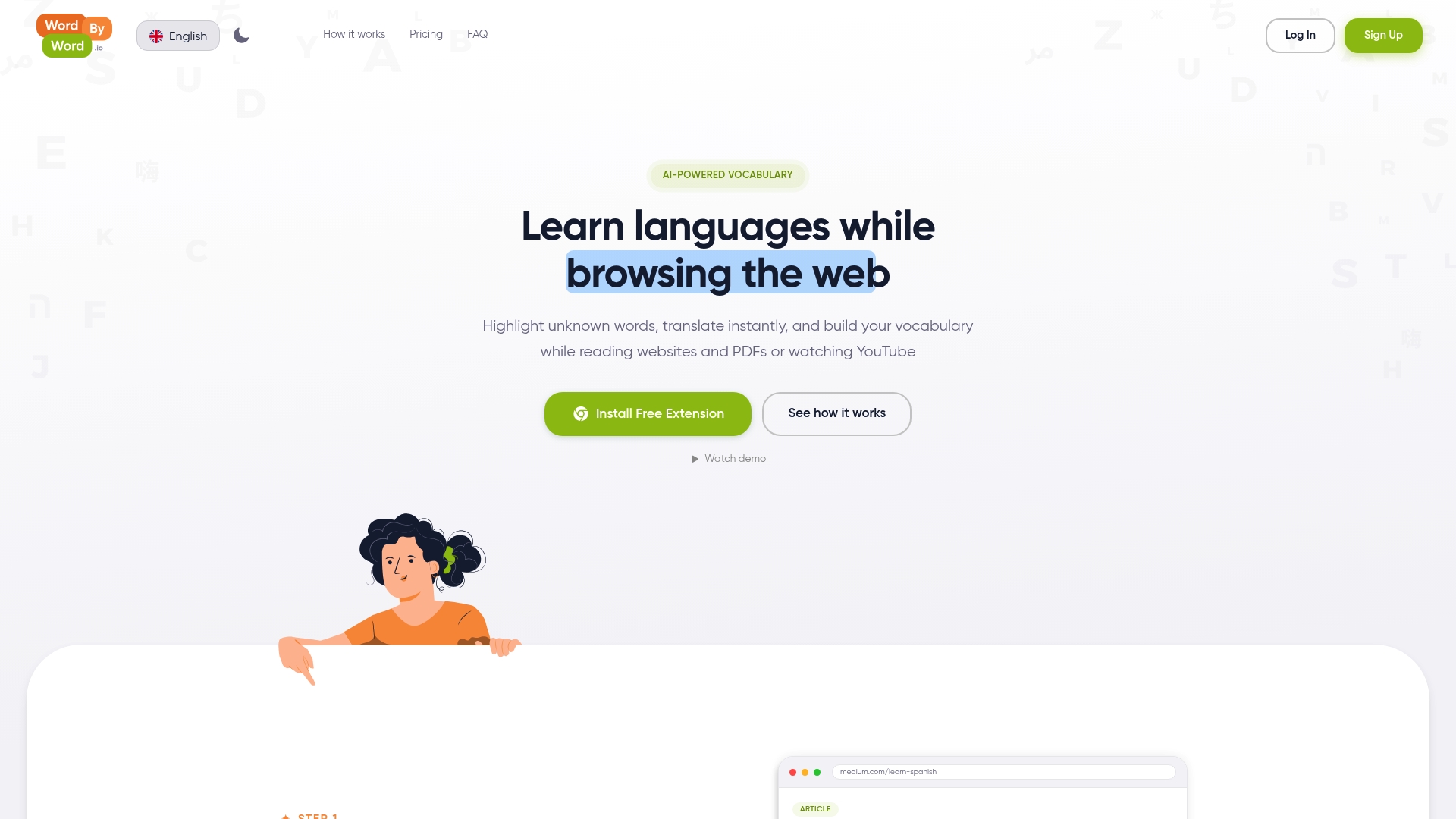
If you want to build vocabulary naturally during your daily browsing, WordByWord helps you avoid stopping to search for definitions or lose track of new words. Visit WordByWord to add the extension and start turning your online reading into a dynamic language lesson with instant translations and AI-driven review tools.
FAQ
What features does WordByWord offer for language learning?
WordByWord provides features such as highlighting unknown words and offering instant translations while reading. It tracks each word’s progress and saves items to personalized vocabulary collections, enabling learners to study effectively. Consider using this tool to enhance your vocabulary while you read articles or watch videos.
How does Toucan compare to WordByWord in terms of language exposure?
Toucan replaces words and short phrases on web pages with translations to help learners acquire vocabulary through context. While this method supports passive exposure, WordByWord focuses on active vocabulary learning by tracking words directly from the content you engage with. Try WordByWord for a richer, more interactive learning experience.
Which platforms allow WordByWord to integrate with learning materials?
WordByWord works inside web pages, PDFs, and YouTube subtitles, making it versatile for different mediums. This integration keeps language learning tied to real content rather than isolated exercises, which can deepen your understanding. Engage with various learning materials while enhancing your vocabulary through WordByWord.
Can I track my progress with WordByWord?
Yes, WordByWord tracks the progress of each word learned over time, ensuring you can see your growth. Utilizing its personalized vocabulary collections lets you review and reinforce your understanding effectively. Leverage this feature to maintain a consistent learning routine.
What is the pricing model for WordByWord?
WordByWord offers a free plan that includes core features and unlimited usage of basic tools. A premium subscription costs $5.99 per month or $59.90 per year, unlocking additional features. Start with the free plan to evaluate its effectiveness before considering a premium upgrade.