
Finding a vocabulary learning extension that fits daily digital study habits and captures words from real web content is complex and time-consuming. Many top vocabulary tools require manual entry, do not offer real browser integrations, or limit collaboration and classroom metrics without payment. This comparison covers integration, review methods, and classroom compatibility across Quizlet alternatives so you can match one to your workflow and study goals.
Table of Contents
WordByWord.io
At a Glance
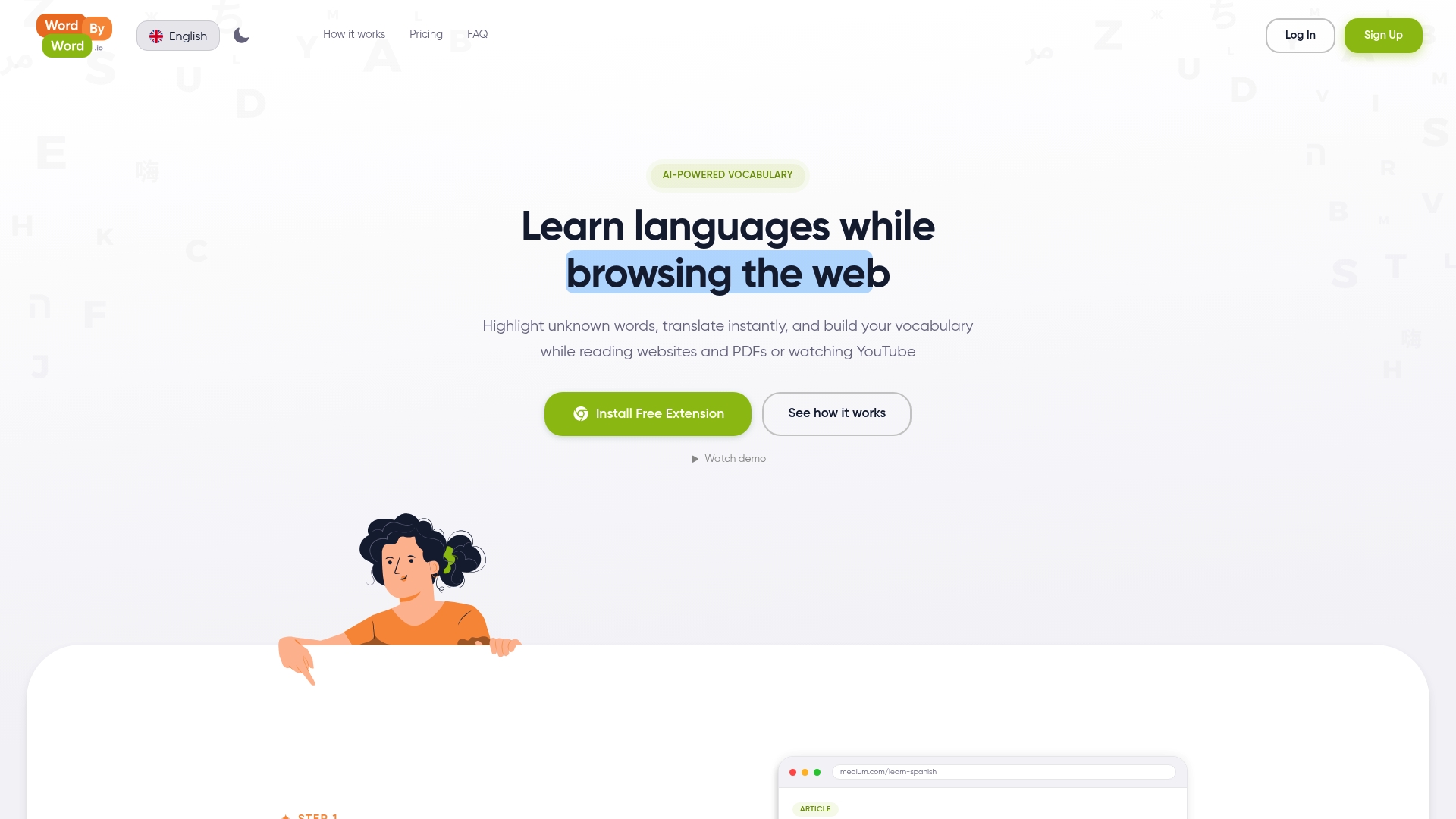
You can highlight a word inside YouTube subtitles, a PDF, or any web page and get an instant translation. The extension turns saved words into in‑browser review items with one click. Core features are free, with optional paid upgrades for unlimited collections and advanced exercises.
Core Features
The company reports support for more than 50 languages, including English, Spanish, French, German, Chinese, Japanese, and Korean. You highlight unknown words to translate them instantly, save them to personalized vocabulary collections, and export or organize saved entries. Built-in AI powered tools generate practice exercises and flashcards from your saved words to move items into long term memory.
Key Differentiator
The extension integrates directly into your browsing experience to enable real time vocabulary learning on any website, PDF, or YouTube video. That integration keeps learning tied to real content you read and watch. It removes the need to copy text into separate study apps when you encounter new words.
Pros
Free core features let you start learning with minimal setup and no upfront cost. Support for in page translations across articles, PDFs, and YouTube subtitles keeps practice contextual and convenient. Personal vocabulary tracking and AI powered exercise generation turn intermittent browsing moments into review opportunities without extra apps.
Cons
- Premium required for unlimited collections and advanced features.
Notable Integrations
-
YouTube subtitles
-
Chrome browser
Who It’s For
Language learners who browse the web regularly and want vocabulary practice inside the sites they already use. Students who read academic PDFs and watch lecture videos will find the in page translation and save flow practical. Casual learners who prefer learning while reading news or watching videos will also benefit.
Unique Value Proposition
Smart flashcards and an AI trainer create review drills from words you highlight in the browser. That method keeps review inside your normal browsing and reduces the time you spend switching apps to study. For learners who want to collect words from real content, this approach converts passive reading into active retention.
Real World Use Case
A bilingual student reads academic PDFs and watches YouTube lectures. They highlight unfamiliar terms while reading and save them to a collection. Over several weeks the student runs the AI generated drills to reinforce usage and recall.
Pricing
Free Forever gives access to core translation, saving, and limited collections. Premium costs $5.99/month and unlocks unlimited collections plus the full suite of AI powered exercises and export options.
Website: https://wordbyword.io
Clozemaster
At a Glance
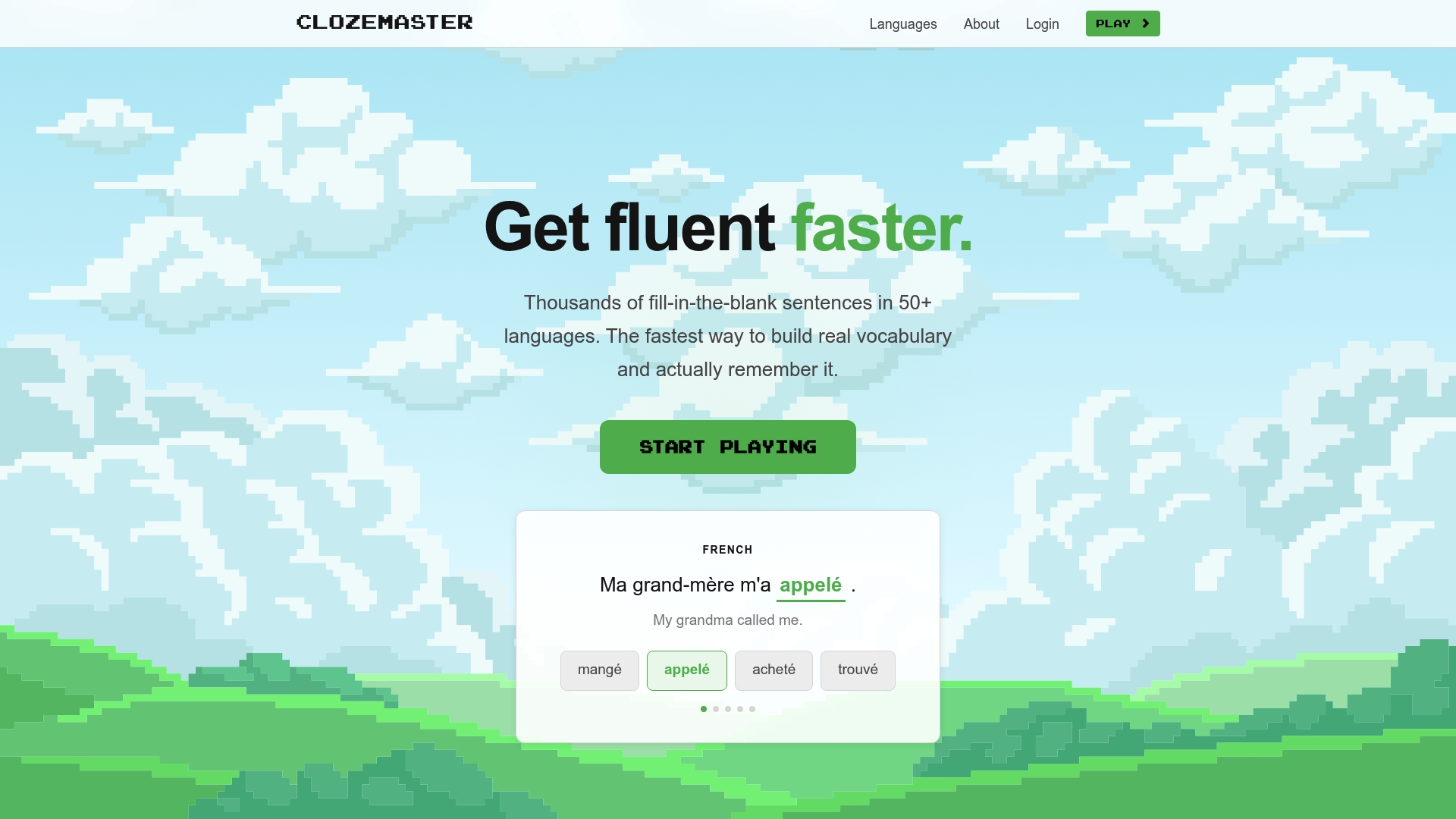
50+ languages are available as sentence-based fill-in-the-blank practice rather than isolated flashcards. Clozemaster pairs those sentences with AI-powered grammar hints and a spaced repetition engine to push tough words back into review. The app runs on web, iOS, and Android and is built to supplement classwork with focused vocabulary drills.
Core Features
Clozemaster centers on contextual cloze tests that place target words in authentic sentences, which helps you learn usage and collocation. The platform groups sentence sets by frequency and difficulty and tracks progress with a built in review scheduler. Competitive scoring and leaderboards add short bursts of motivation alongside the practice features.
Key Differentiator
The single feature that defines Clozemaster is massed, sentence based practice across a very wide language list, backed by AI hints for grammar and usage. That mix emphasizes vocabulary in context rather than formal grammar lessons or conversation practice. Compared with WordByWord, Clozemaster focuses on deliberate drills instead of integrating learning into everyday browsing.
Pros
Clozemaster helps you learn words in the exact sentences where they appear, which improves recall and usage. Its language breadth lets you switch targets without hunting for new resources, and tracking shows measurable progress across drills. The app stays actively developed and offers a useful free tier with optional paid features for people who need extras.
Cons
-
The exercise types stay narrow. Practice is mainly fill in the blank with multiple choice or typing, which limits variety.
-
Grammar coverage is shallow. The platform provides sentence analysis and hints but no systematic grammar lessons.
-
The interface is minimal. Learners who prefer visual cues or multimedia content may find the UI plain.
When It May Not Fit
If your goal is to build speaking fluency or practice real time conversation, Clozemaster will feel incomplete. Teachers who need explicit grammar syllabi or lesson plans will need a separate resource. If you want rich multimedia or gamified visuals, this product will likely underdeliver.
Who It’s For
This platform fits individual learners who want targeted vocabulary practice and accept a pared down interface. It suits students using courses or textbooks who want extra sentence based repetition. People comfortable with self guided study and review scheduling will get the most value.
Real World Use Case
A Spanish student finishes a textbook chapter and opens Clozemaster to drill high frequency verbs and idioms in real sentences. The system spaces reviews of missed items and offers grammar hints when the student hesitates. Over weeks the student fills vocabulary gaps that textbook drills missed.
Pricing
Clozemaster is free to play with optional paid features that unlock advanced capabilities and convenience. The vendor lists premium options for users who want extra practice modes and expanded review controls.
Website: https://clozemaster.com
Vocabulary.com
At a Glance
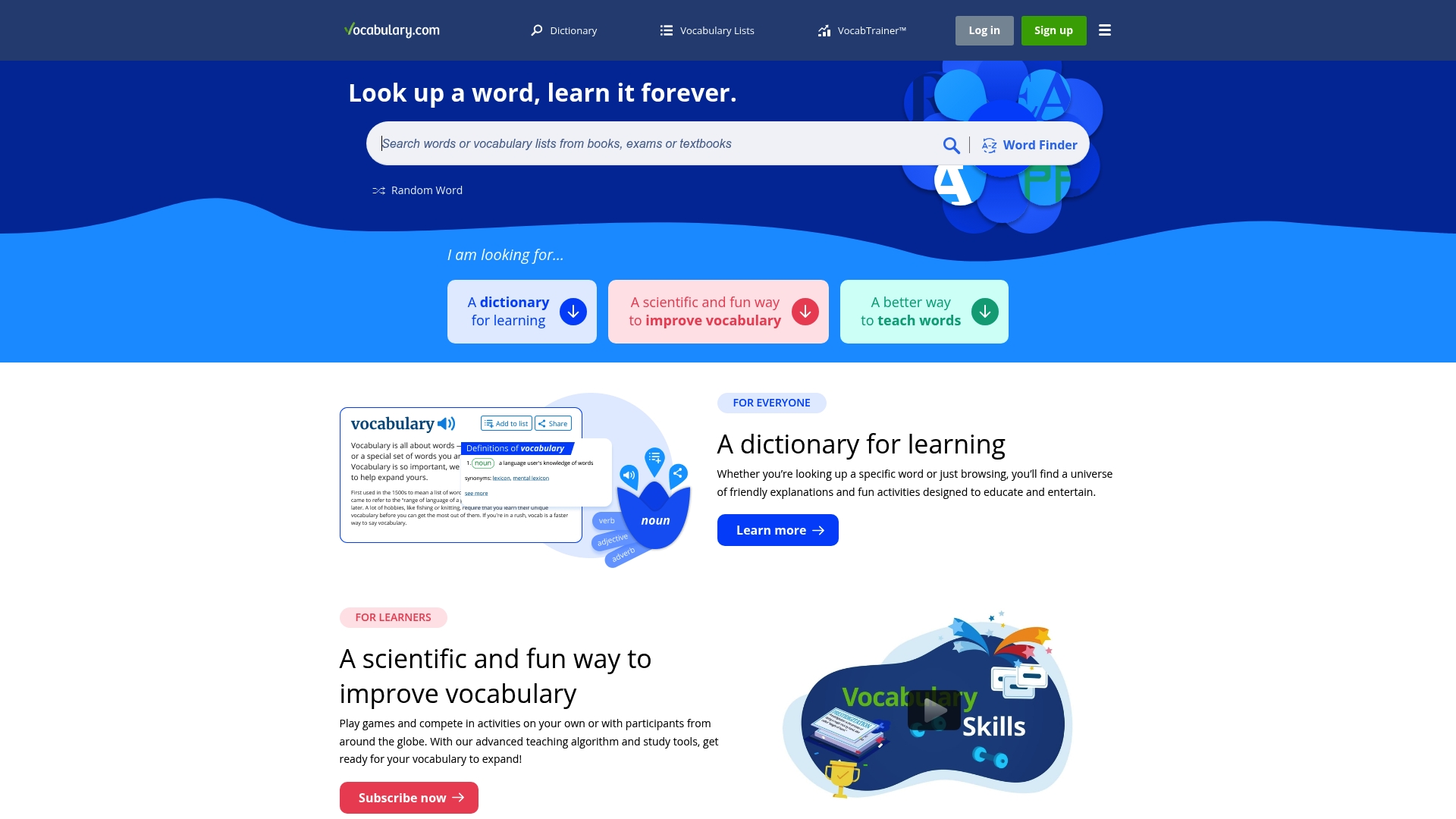
An adaptive engine personalizes practice by tracking answer patterns and using spaced repetition to schedule review. The site combines that engine with a human-written dictionary and ready-made word lists organized by grade, topic, and difficulty. Teachers get progress metrics that report mastery and percentage complete for each student.
Core Features
Interactive practice arrives as games, quizzes, and timed competitions that keep classroom sessions active and engaging. The platform centers on VocabTrainer™, a personalized learning engine that adjusts item frequency based on performance and review timing. A friendly, example-rich dictionary and curated lists let teachers assign grade-appropriate collections while progress reports show mastery and percent-complete data.
Key Differentiator
The vendor advertises an award-winning adaptive engine that personalizes study by analyzing answer patterns and applying spaced repetition. That algorithmic focus drives steady mastery and predictable review schedules for classroom cohorts. It makes the product strongest when the goal is measurable vocabulary growth rather than incidental word capture while surfing the web.
Pros
Classroom visibility is a clear strength. Teachers can assign lists, view mastery reports, and compare percent-complete metrics across students, which simplifies grading and targeted review. The practice formats—games, competitive quizzes, and adaptive drills—help increase engagement during class and at home. The dictionary provides contextual definitions and real-world examples that support deeper understanding beyond one-line meanings. A large library of curated lists speeds lesson prep.
Cons
-
Some definitions vary in accuracy or depth, which may frustrate advanced learners who need citation-quality entries.
-
The free tier gives limited detail on student progress and customization, reducing oversight for large classes.
-
Customization for institutional workflows can feel constrained, especially where district-level roster or reporting needs are specific.
-
Quality control varies across user-submitted lists, so teachers should review lists before assigning them.
When It May Not Fit
If you need precise, scholarly definitions for graduate-level study, this product may not fit because some entries lack depth. Institutions requiring deep customization of reports or integration with district systems may find the free options too limited. If capturing unknown words from web pages or videos during browsing is your priority, a browser-integrated tool will work better.
Who It’s For
K-12 teachers and language educators who want structured vocabulary instruction and measurable outcomes will get the most value. Test-prep students and adult learners who prefer guided, adaptive practice also benefit from the personalized review engine. Schools that plan to run class competitions or assign list-based homework will find the workflow familiar.
Real World Use Case
A high school English teacher assigns unit lists and runs weekly quizzes. The teacher checks percent-complete reports to identify students who need extra review and then assigns targeted practice. Class competitions reward progress and motivate quieter students to participate, while the dictionary examples help students connect words to texts they are reading.
Website: https://vocabulary.com
MemCab
At a Glance
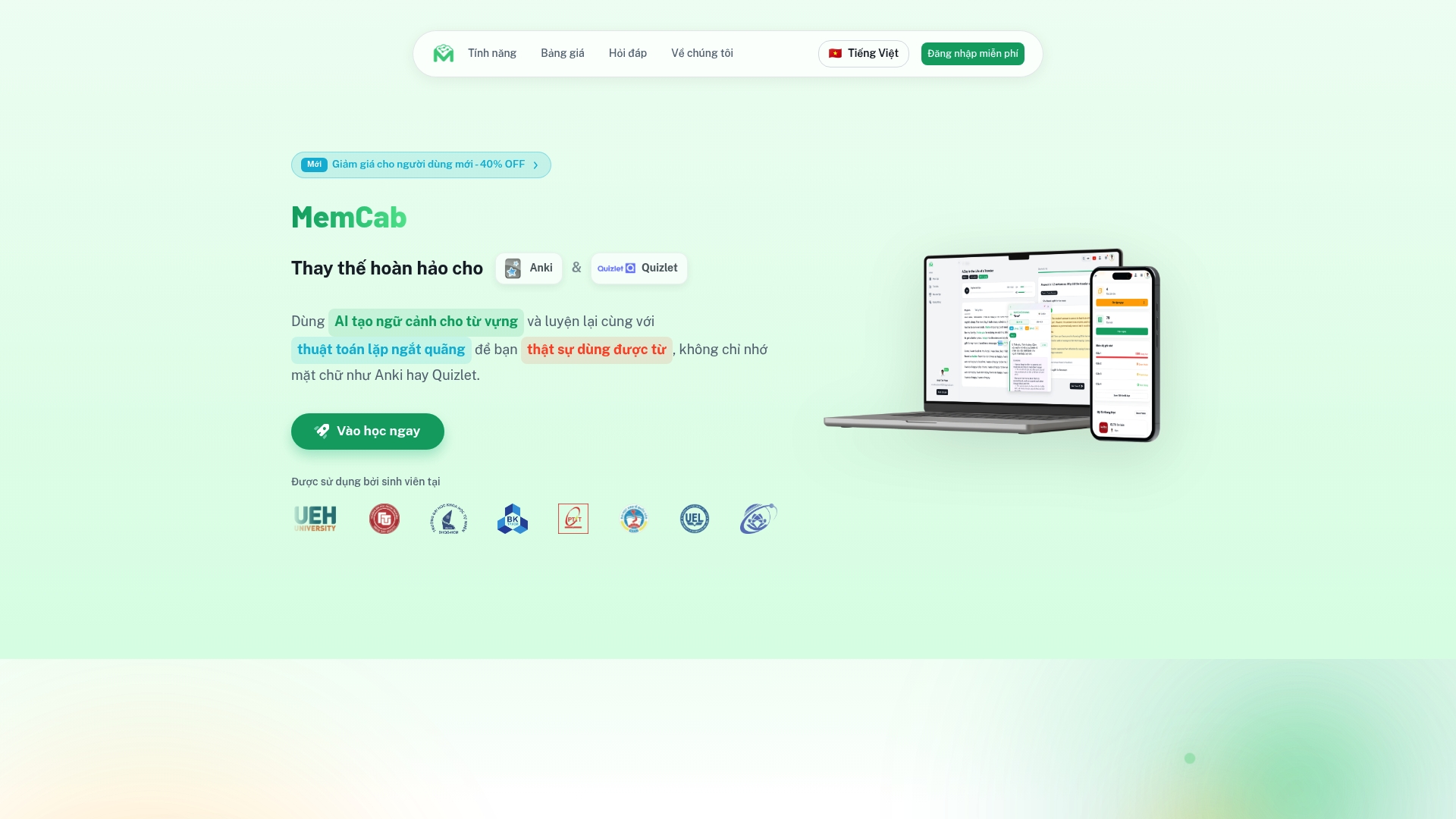
AI-generated contextual exercises paired with a spaced repetition scheduler form MemCab’s core retention method. The vendor advertises that students at numerous Vietnamese universities use the platform and that it has received recognition for educational support. MemCab offers both a free tier and premium subscriptions priced at 250,000 ₫ for the premium plans listed.
Core Features
MemCab combines AI-generated contextual vocabulary exercises with a spaced repetition algorithm to manage review intervals. The platform includes an intelligent dictionary with pronunciation, images, and example sentences, plus practice modes for reading, listening, speaking, and writing. A Chrome extension enables on-the-fly lookup while you browse.
Key Differentiator
MemCab focuses specifically on contextual exercises created by AI and a tailored spaced repetition schedule to convert passive exposure into active recall. That emphasis narrows its use to learners who want context-driven practice rather than broad course management or enterprise reporting.
Pros
The personalized study flow blends AI content generation with spaced repetition, which helps learners focus review on words they actually forget. Multiple practice modes cover production and receptive skills, so you can train speaking as well as reading and listening. The Chrome extension makes lookup fast when you encounter unfamiliar words during browsing. The vendor advertises positive user testimonies and some media recognition, which supports early adopter interest.
Cons
-
No substantive third party reviews are available to corroborate user feedback.
-
Public details about advanced analytics or cross platform integrations are limited.
-
The free tier may restrict access to core features, requiring an upgrade for full functionality.
When It May Not Fit
If you need deep exportable analytics or robust API hooks, MemCab likely falls short. Teams that require verified third party validation or independent reviews should look elsewhere. Heavy users who need unlimited access without a subscription may find the free tier restrictive.
Notable Integrations
- Chrome extension for vocabulary lookup enables instant word capture and card creation while you browse.
Who It’s For
Students and English learners at levels A1 through C2 who want focused vocabulary practice will find MemCab appropriate. It fits exam preparation such as IELTS or TOEFL when vocabulary in context matters. Instructors who want a lightweight, learner-facing tool may adopt it for individual study assignments.
Real World Use Case
A university student preparing for IELTS uses MemCab daily to practice newly encountered words. They capture words with the Chrome extension, complete AI-generated contextual exercises, and review items via the spaced repetition schedule.
Pricing
MemCab offers a free tier and paid Premium plans. Pricing is listed as Free, Premium (3, 6, 12 months) for 250,000 ₫ (approx. 41,666 ₫/month). The site lists subscription durations but does not publish enterprise licensing details.
Website: https://memcab.com
Anki
At a Glance
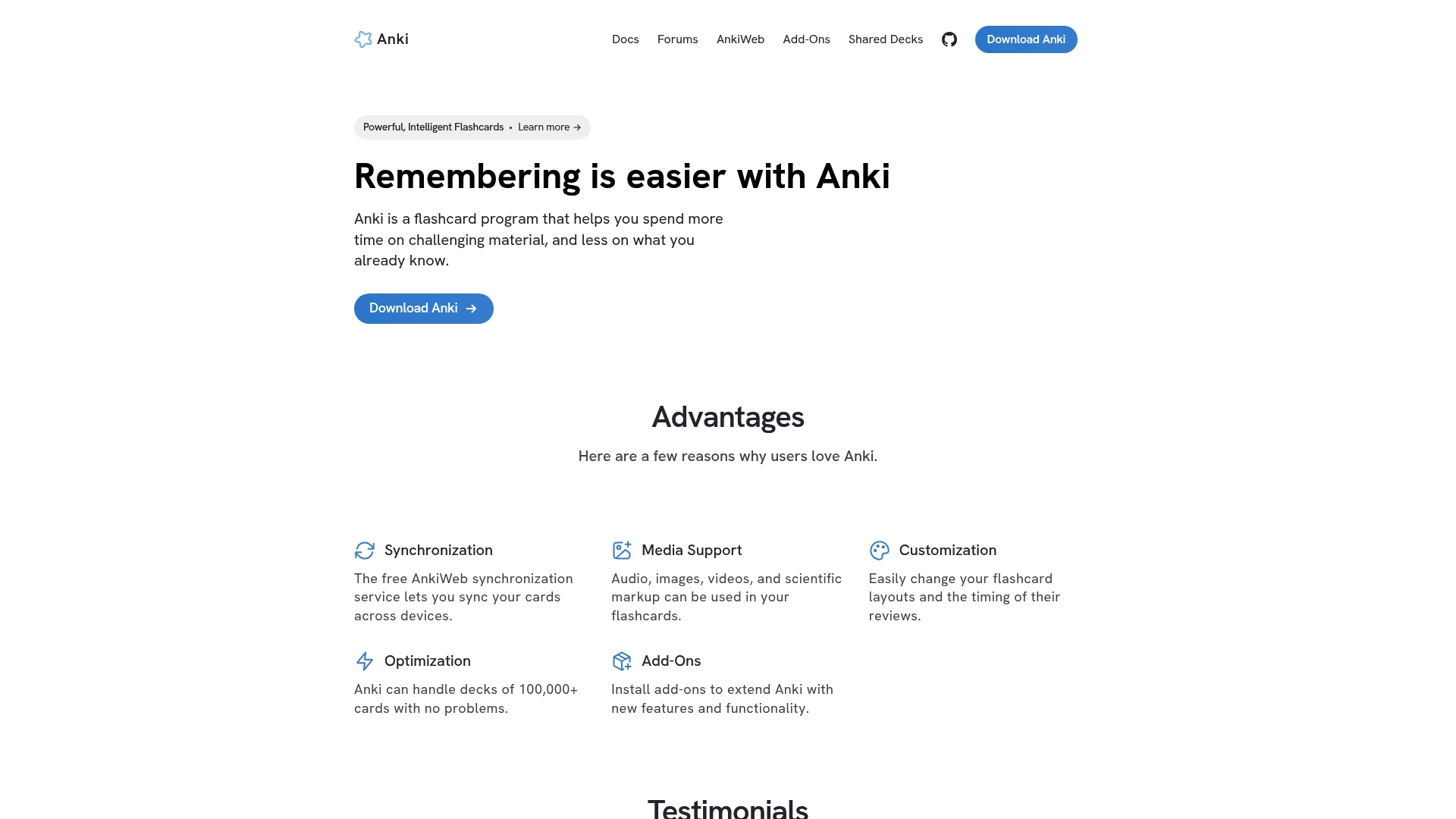
Handles decks of over 100,000 cards while remaining responsive during review sessions. The program is open source and benefits from a large community of shared decks and add-ons. Syncing via AnkiWeb keeps progress aligned across desktop and mobile devices.
Core Features
Anki synchronizes across devices through AnkiWeb and supports audio, images, video, and scientific markup in cards. You can deeply customize card templates and review timing, and community add-ons add new workflows and utilities. The program manages very large decks without slowing review throughput.
Key Differentiator
The vendor advertises a scientifically backed spaced repetition system combined with extensive customization and community support. That mix favors learners who want to tune every aspect of recall scheduling. Heavy users can adapt card templates and review intervals to match specific study goals.
Pros
Anki’s spaced repetition model focuses reviews on items you are about to forget, which saves study time compared with blind repetition. The project is open source, so community contributors produce add-ons and shared decks that expand functionality. Multimedia support for audio, images, video, and scientific markup makes flashcards richer and more memorable. Synchronization via AnkiWeb lets you switch devices without losing study momentum.
Cons
-
Steep learning curve can frustrate casual learners and newcomers. New users often spend significant time configuring templates and settings.
-
Dated, non intuitive interface increases friction when creating or editing cards. The visual design reflects decades of development rather than modern UX.
-
Complex setup for shared decks and advanced card types requires extra steps. That complexity amplifies when you use many add-ons.
-
No built in holiday or review pause feature, so you must manually manage review load during extended breaks.
When It May Not Fit
If you want a plug and play solution with a modern interface, Anki may feel heavy and technical. Casual learners who prefer minimal setup will likely find the learning curve off putting. If you need an automatic review pause or a guided study plan, this tool requires manual workarounds or third party scripts.
Who It’s For
Power learners, advanced students, and educators who need control over every element of a flashcard system will get the most value. People preparing for high volume exams or memorizing technical vocabulary will appreciate the scale and custom timing. Those who prefer out of the box simplicity should consider lighter alternatives.
Real World Use Case
A medical student organizes thousands of anatomy and pharmacology cards, imports community shared decks, and adds audio clips for pronunciations. She tunes intervals for difficult topics and studies across laptop and phone with AnkiWeb syncing. This setup helps retain heavy factual loads during long exam preparation cycles.
Website: https://apps.ankiweb.net
Brainscape
At a Glance
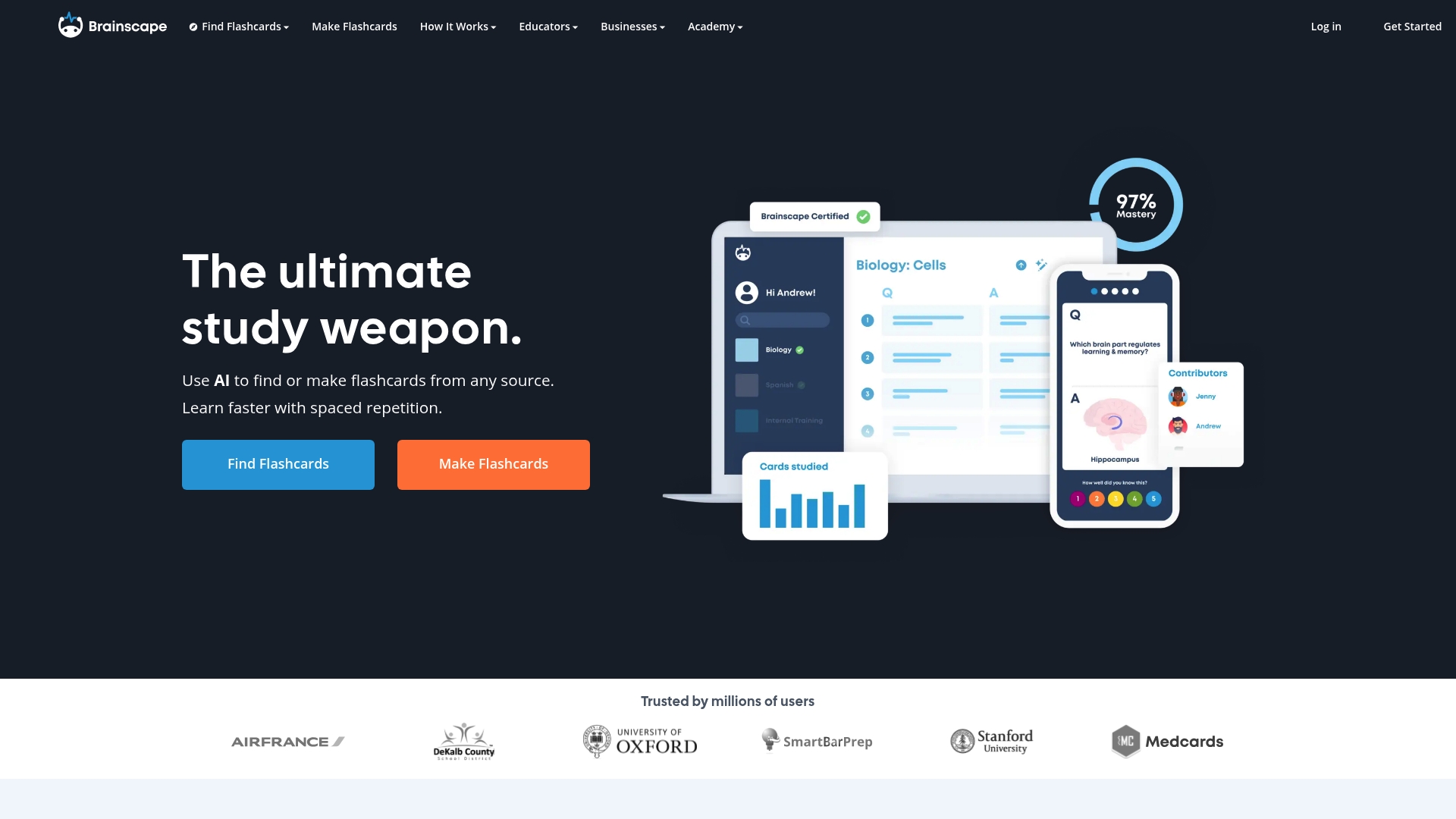
Brainscape reports millions of users worldwide. It pairs machine assistance for card creation with a spaced repetition system built for long term retention. The platform also hosts expert certified flashcards and group controls for collaborative study.
Core Features
Brainscape uses AI powered flashcard creation to turn source materials into study cards, and it applies spaced repetition to schedule reviews. The library includes expert certified flashcards, and users can organize content into classes and decks. Collaborative editing and sharing controls let teachers and teams manage who contributes and who studies.
Key Differentiator
The distinct angle is the tight coupling of AI content generation with science based spaced repetition algorithms. That mix automates card creation while keeping review intervals tuned for memory retention. It favors deliberate, repeated exposure over last minute cramming.
Pros
The interface stays simple and approachable, so learners begin creating or importing decks quickly. Adaptive review pacing adjusts review frequency based on performance and helps move items from short term recall into long term memory. Content creation is flexible: import text, edit existing decks, or build from scratch, and group controls support class and corporate workflows.
Cons
-
Website performance can be slow at times, which interrupts study sessions and makes heavy review days frustrating.
-
AI features produce useful first drafts, but they sometimes require manual validation for accuracy and nuance.
-
Less suited for classrooms that lack one device per student, since group features rely on individual access.
-
Some advanced features sit behind a paid upgrade, which reduces free access for casual learners.
When It May Not Fit
If your classroom has limited device access, this platform loses much of its collaborative benefit. Teams relying on perfect, production ready content from AI will need manual review workflows. Budget conscious casual learners may find critical features unavailable without payment. Large scale rollouts should test performance under heavy load first.
Who It’s For
Dedicated students preparing for exams and certifications who want a study system focused on long term mastery. Educators who curate vetted content and share decks with classes will get the most value. Organizations that need repeatable training modules can use the platform for structured onboarding and assessment.
Real World Use Case
A university professor curates certified flashcards for a course and shares a class deck before each exam. Students follow the adaptive review schedule and focus study time on weak items. The result is clearer study plans and more consistent preparation across the class.
Website: https://brainscape.com
Comparison of alternatives
WordByWord.io distinguishes itself through real-time integration with browser environments, offering users instant translation and vocabulary management while engaging with active web content. However, alternatives such as Anki excel in customization capabilities, presenting trade-offs tailored to each learner’s needs.
Real-Time Integration Versus Advanced Customization
WordByWord.io provides immediate word translation and collection by integrating directly with browsers, PDFs, and YouTube, making it the ideal choice for learners seeking vocabulary reinforcement within their natural online activities. Conversely, Anki offers card customization and scheduling parameters, demanding significant user-driven planning but allowing for highly specialized learning experiences. While WordByWord.io promotes a browsing-to-learning flow, Anki’s platform supports control over study mechanics.
Classroom Applications and Sentence Focus
Vocabulary.com aids teachers with curated word lists, progress tracking features, and engaging quiz formats designed for structured classroom use. This tool shines when measurable mastery and student accountability are within an academic setting. On the other hand, Clozemaster’s sentence-based exercises focused on cloze tests make it a strong contender for learners honing contextual vocabulary usage, though limited grammar coverage may reduce its appeal for structured language curricula.
Best fit
-
Learners who browse web pages, academic PDFs, or YouTube videos and need instant vocabulary translations should opt for WordByWord.io.
-
Educators managing classroom vocabulary activities and tracking mastery reports will benefit most from Vocabulary.com.
-
Those prioritizing advanced customization for cards and review schedules can explore Anki’s sophisticated platform.
-
Students honing contextual vocabulary without deep customization requirements find Clozemaster advantageous.
Our pick
WordByWord.io emerges as the preferred choice for its real-time browser integration and AI-powered exercises, supporting active learning directly tied to the user’s online habits. However, learners requiring complex review customization or highly detailed study management could find a better match in Anki, depending on their goals. This trade-off depends on whether immediate, integrated workflow or platform configurability aligns with your learning style.
Choose the right vocabulary learning tool for your needs by comparing the standout features of each option.
| Product | Key differentiator | Best for | Pricing | Notable limitation |
|---|---|---|---|---|
| WordByWord | Instant in-browser word translations | Casual learners integrating word learning | Free core, $5.99/mo | Premium required for advanced features |
| Clozemaster | Sentence-based, fill-in-the-blank vocabulary practice | Learners seeking contextual word usage | Free, Premium options | Limited variety in practice types |
| Vocabulary.com | Adaptive engine and curated word lists for education | Teachers and structured classroom learning | Price not published | Some user-produced lists may lack depth |
| MemCab | AI-driven contextual exercises and Chrome integration | Exam preparation and intermediate learners | Free, ₫250,000 Premium | Few third-party or long-term validations |
| Anki | Open-source flashcard customization with community add-ons | High-volume academic study | Free | Steeper learning curve for advanced features |
How Can Quizlet Alternatives Improve Your Vocabulary Learning Experience?
Many language learners struggle with fragmented study tools that disrupt their flow. WordByWord solves this by integrating instant translations directly into your browsing experience. You can highlight words on websites, PDFs, or YouTube subtitles and get immediate translations while building personalized vocabulary collections.
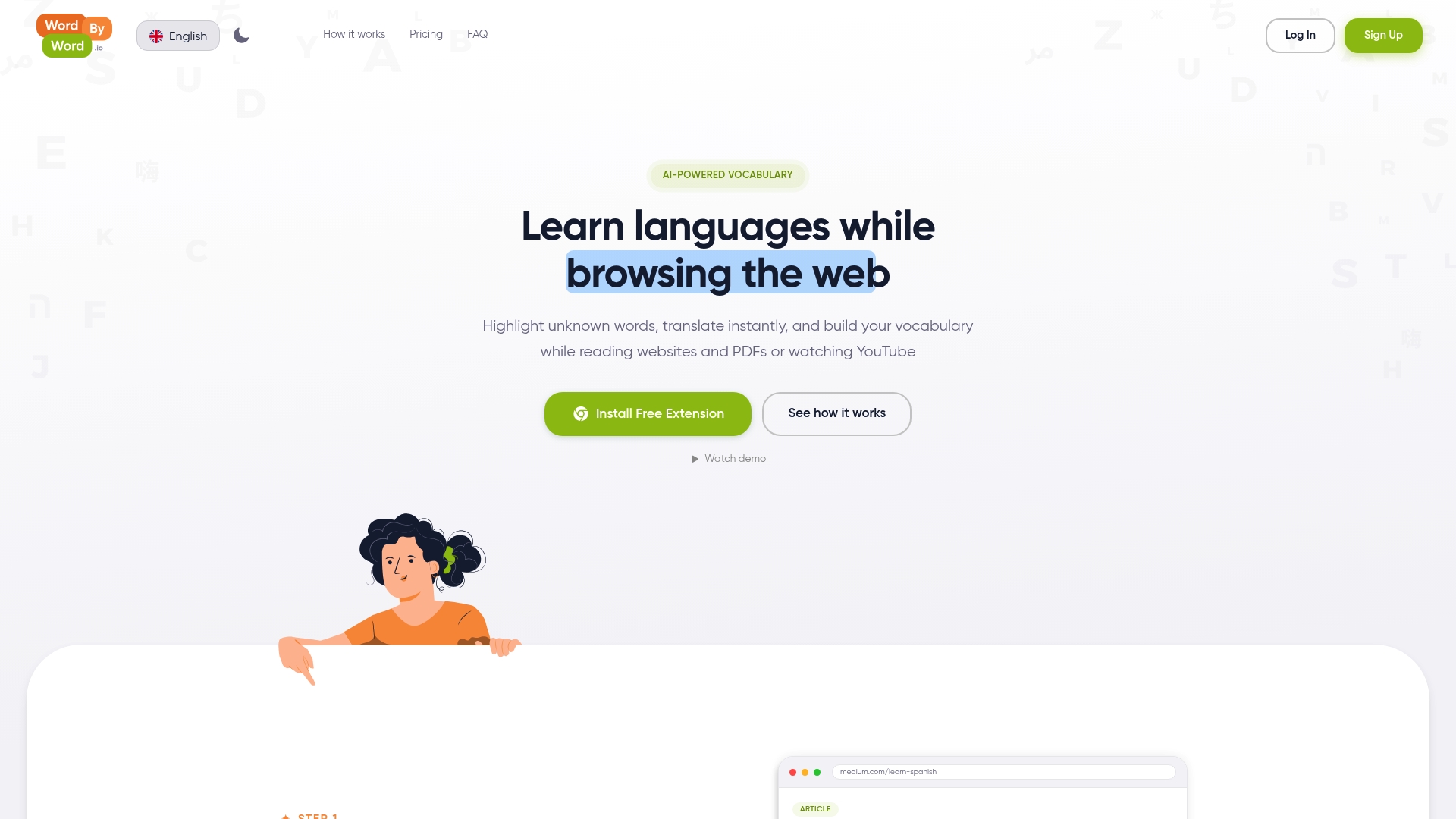
If you want to keep learning natural and efficient without switching to separate apps, try WordByWord. With AI-powered flashcards and practice drills, WordByWord turns everyday reading and watching into long-term retention. Visit WordByWord and start converting your passive encounters with new words into active mastery today.
FAQ
What unique feature does WordByWord offer for vocabulary learning?
WordByWord provides instant translations and personalized vocabulary collections directly integrated into your browsing experience. The extension allows users to highlight words on any webpage, receive translations instantly, and save them for future review, making learning contextually relevant. Start using WordByWord to make vocabulary learning effortless as you browse the web.
How does Clozemaster compare to WordByWord for vocabulary learning?
Clozemaster focuses on sentence-based fill-in-the-blank practice while providing AI-powered grammar hints. It excels in targeted vocabulary reinforcement through deliberate drills, whereas WordByWord is better for integrating vocabulary learning with everyday content you encounter online. Choose Clozemaster if you prefer structured practice while WordByWord suits those wanting real-time learning alongside their regular browsing.
How does the pricing for WordByWord work?
WordByWord offers a free tier that includes core features, while the premium version costs $5.99 per month, unlocking unlimited collections and advanced exercises. This pricing structure allows users to start learning without any financial commitment, making it easy to test the platform first.
Can I track my vocabulary progress with WordByWord?
Yes, WordByWord allows for personalized vocabulary tracking through your saved entries and practice exercises generated by AI. This feature ensures you can monitor your progress and focus on retaining the vocabulary you’ve learned, enhancing the learning experience over time.
What is the main advantage of using MemCab over WordByWord?
MemCab emphasizes AI-generated contextual exercises paired with spaced repetition to reinforce vocabulary recall. While WordByWord integrates learning into daily browsing, MemCab focuses on driven practice through dedicated exercises for users wanting to hone their vocabulary skills in a structured manner. Consider MemCab if you prefer a more focused approach to vocabulary retention.