
Finding a browser extension that turns real web content into active language practice is more difficult than it should be. Many popular tools force learners to complete isolated drills on separate apps instead of supporting in-browser study during everyday browsing or streaming. This comparison brings together price, vocabulary features, and media support so learners can match their study goals to the Babbel alternative that fits best.
Table of Contents
WordByWord
At a Glance
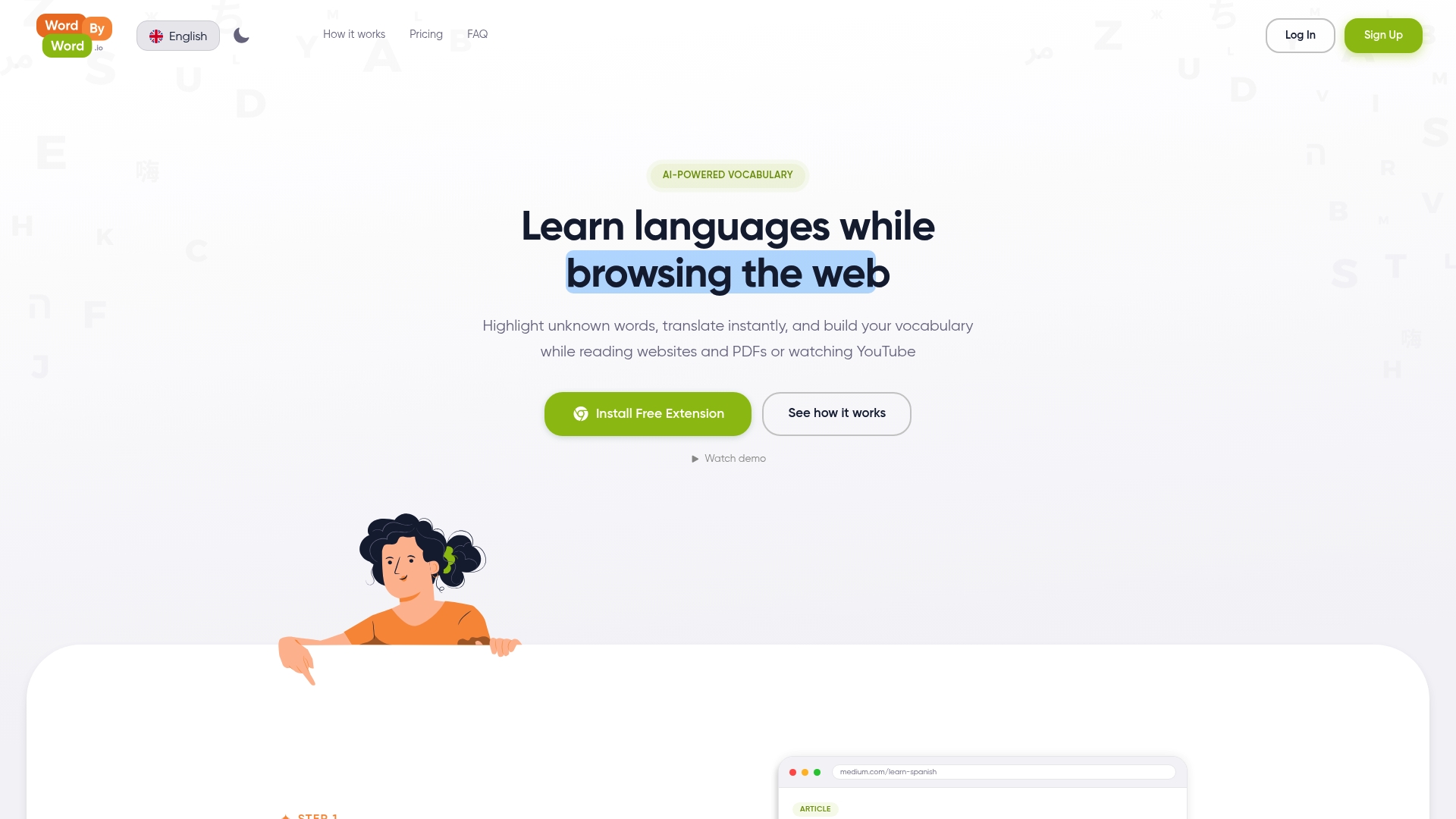
Spotlight mode turns any web page into a visual vocabulary map, letting unknown words stand out by familiarity. The extension works on websites, PDFs, and YouTube and supports over 50 languages. Users highlight words, get instant translations, and save vocabulary without leaving the page.
Core Features
Highlight unknown words while reading or watching video, translate instantly, and save those words into organized collections for later practice. The extension tracks progress per word and across your vocabulary so you can watch highlights fade as words become familiar. Smart flashcards and an AI trainer convert saved words into repeated practice that aims for long term retention.
Key Differentiator
Seamless integration with on page content plus AI driven personalized vocabulary tracking and learning. WordByWord works inside your normal browsing flow so study happens during regular reading and research. That integration reduces the need for separate study sessions.
Pros
The core features remain free forever, so you can highlight, translate, and save without a usage cap. Support for multiple languages and public, community curated lists makes it easy to find topical vocabulary for travel, work, or study. The extension has little impact on browser performance and lets you import, export, and share collections.
Cons
- Requires the Chrome browser and extension installation, which limits use on non Chrome desktops and most mobile environments.
Notable Integrations
The product integrates as a Chrome browser extension that runs directly inside the browser. That integration is how it accesses websites, PDFs, and YouTube playback for inline highlighting. There are no separate desktop apps listed for non browser platforms.
Who It’s For
Language learners who want to build vocabulary from real content while browsing daily. Students and professionals who read articles or watch technical videos in another language will get fast, contextual exposure. Travelers who prefer learning from authentic materials will find the collection and tracking features useful.
Unique Value Proposition
The extension turns passive browsing into active vocabulary study by converting encountered words into spaced practice via smart flashcards and an AI trainer. That approach saves time because you do not need separate study sessions. For people who read or watch content already, the workflow replaces copy paste with instant translation and durable review.
Real World Use Case
A student reading Spanish news highlights unfamiliar words and saves them to a collection for a single lesson. The AI trainer schedules review cards so the student revisits words over days and weeks. Over time the student sees which words remain unknown and which have moved toward mastery.
Pricing
Core features are free forever, including highlighting, translations, and basic flashcards. A premium plan at $5.99/month unlocks unlimited AI generation, additional training sessions, and enhanced voiceover options for listening practice.
Website: https://wordbyword.io
Migaku

At a Glance
Migaku turns native web content into study material and reports a workflow that pulls video subtitles and articles into study-ready items. The extension emphasizes sentence mining and context learning to move learners from isolated vocabulary to usable sentences. That model appeals to people aiming for deep reading and listening comprehension rather than short drills.
Core Features
Migaku combines a Chrome extension with mobile tools to extract sentences and build study items from pages, videos, and subtitles. It generates flashcards with AI-powered explanations and pronunciation, tracks progress, and assigns comprehension scores to content. The system also supports native content import and custom material creation so learners can shape their own curriculum.
Key Differentiator
Migaku centers study around real media and sentence mining so learners spend time with language in context rather than on isolated word lists. Its workflow links content import, card creation, and spaced repetition in one place so study from native sources becomes repeatable. That integrated path fits serious students who want to turn articles and videos directly into reviewable study sets.
Pros
Migaku offers a complete pipeline for immersive study. You can import a native video, extract subtitle lines, and make targeted flashcards without leaving the browser. The AI explanations speed up initial comprehension and the progress tools let you see whether texts match your level. The active community and regular updates keep new workflows and fixes arriving for committed learners.
Cons
-
Frequent software bugs and reported technical issues can interrupt study and require troubleshooting.
-
The feature set creates a steep learning curve for new users who need time to master the workflow.
-
Subscription pricing is high compared with free or simpler apps, which may deter casual learners.
-
Initial setup and configuration can feel overwhelming for people who prefer plug-and-play tools.
When It May Not Fit
If you want a gentle, low-friction app for short daily practice, Migaku may be too complex. The extension model depends on a browser setup and may encounter bugs or compatibility problems that disrupt study. Casual learners who prefer guided lesson paths or lower monthly costs will likely find simpler apps a better match.
Who It’s For
Serious language learners and educators who plan long-term immersion will get the most from Migaku. Content creators and advanced students who rely on native videos and articles will value the sentence mining and card pipeline. Tutors building course material will also appreciate the ability to turn real media into trackable lessons.
Real World Use Case
A learner studying Japanese imports a YouTube lesson, extracts subtitle lines, and converts them into flashcards. The AI adds pronunciation and short explanations for tricky vocabulary. Over weeks the student uses the comprehension scores to choose texts that match their level and watches recall improve through repeated reviews.
Pricing
Migaku lists a Standard plan starting at $10/month and an Early Access plan at $15/month with extra features. The vendor also offers a one-time lifetime access fee of $499 and discounts for annual billing. Those pricing options aim to cover both short-term and long-term commitments.
Website: https://migaku.com
InterSub
At a Glance
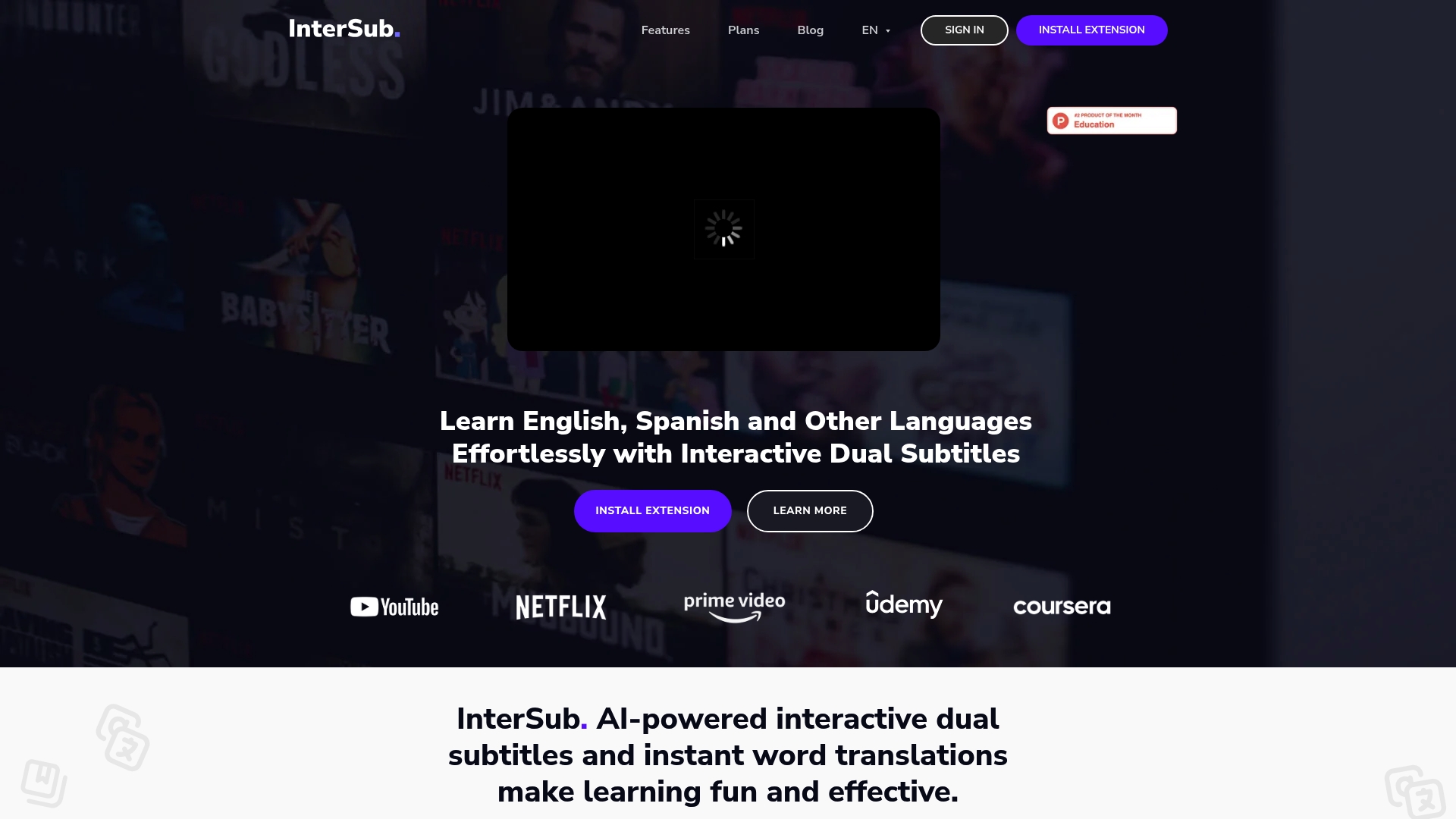
InterSub shows dual subtitles and instant in player translations across YouTube, Netflix, Prime Video, HBO, and Coursera. As one of the Babbel alternatives, it adds phrase recognition, personal vocabulary, and remote control for large screen viewing. The extension also syncs studied words with mobile flashcard apps for review.
Core Features
InterSub overlays synchronized dual subtitles and lets you hover to see instant translations and phrase explanations. It recognizes idioms, phrasal verbs, and compound nouns in multiple languages and supports right to left scripts. Personal vocabulary lists, mobile integration, and remote control for TVs let you collect words while you watch.
Key Differentiator
The standout feature is AI driven real time subtitle translation combined with broad platform support and mobile syncing. That combination makes language practice part of entertainment and study without separate lesson sessions. It leans toward learners who prefer watching authentic video content rather than textbook drills.
Pros
Integration with major streaming and course platforms keeps learning inside the content you already watch. Real time translations and phrase recognition speed up comprehension and reduce lookup friction while you watch. Mobile sync and remote control make review and playback convenient, and personal vocabulary management supports focused review with external flashcard apps.
Cons
-
Depends on internet connectivity for live translation, so offline viewing offers limited value.
-
Limited to a browser extension, which means no native app experience for some devices.
-
Compatibility varies by platform, so playback features can change between services.
-
Several advanced features require subscription upgrades for unlimited access.
When It May Not Fit
If you prefer native mobile apps or offline study, InterSub will feel limiting because it needs a browser extension. If you plan to learn inside apps that do not allow extensions, the tool will not function. If you avoid recurring fees, some useful capabilities may be locked behind paid tiers.
Notable Integrations
Works directly with YouTube, Netflix, Prime Video, HBO, Crunchyroll, TED, Coursera, and Udemy. The extension also supports export and syncing workflows with mobile flashcard apps like Anki for spaced review.
Who It’s For
Solo learners and students who watch video content for language exposure will benefit most. It fits beginners through advanced speakers who want to capture vocabulary from shows and lectures. Professionals learning industry specific vocabulary from recorded talks or tutorials will find the quick lookup and saving useful.
Real World Use Case
A learner watches a foreign language TV series on Netflix with dual subtitles and pauses to hover over unknown phrases. They save new words to a personal list and later export them to Anki for spaced review on mobile. The remote control feature helps when the episode plays on a big screen in a living room.
Pricing
InterSub offers a free tier alongside a pay as you go option starting at $1.5, and a premium plan from $6/month. Free users can test core subtitle features, while higher limits and advanced recognition require paid plans.
Website: https://intersub.cc
Language Reactor
At a Glance
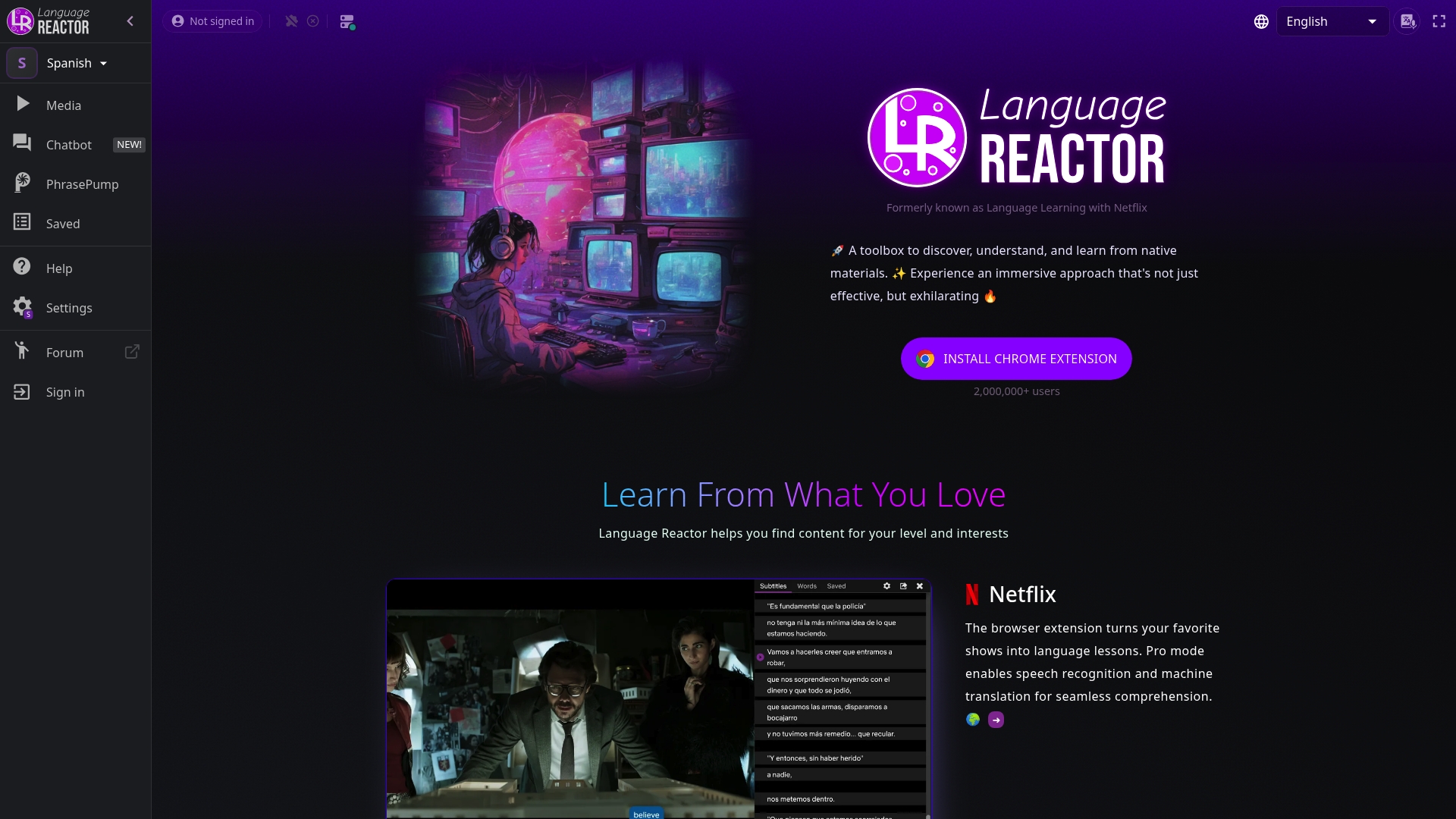
Language Reactor turns shows and videos into study material by showing bilingual subtitles while you watch. The tool supports more than 40 languages and offers vocabulary export to Anki. Many learners use it to turn passive viewing into focused vocabulary and listening practice.
Core Features
Language Reactor displays bilingual subtitles side by side and offers an in-player dictionary with example sentences and transliterations. Playback controls let you rewind by short increments and loop segments for repetition. The extension also includes vocabulary management, speech recognition, PhrasePump listening drills, and an export feature for Anki flashcards.
Key Differentiator
Language Reactor’s main edge is its deep integration with streaming sites so you learn from authentic media while watching. That integration focuses learning on real dialogue and context rather than isolated drills. For learners who prefer native content to textbook exercises, this design turns entertainment time into deliberate practice.
Pros
The extension connects directly to popular streaming platforms so you encounter real speech and varied accents while you learn. Its vocabulary management highlights new words on the fly and lets you save phrases for review or export to Anki. Interactive tools such as speech recognition and PhrasePump help convert passive listening into active practice.
Cons
-
Desktop focused with limited mobile support. This makes on-the-go study harder.
-
Several advanced tools are locked behind the Pro subscription, so free users see feature gaps.
-
Interface complexity can overwhelm new users until they learn the controls.
-
Offline use is limited and requires an internet connection for most functions.
When It May Not Fit
If you study mainly on your phone, this extension may feel restrictive because mobile functionality is limited. Learners who need offline drills will find offline access lacking. If you want a simple beginner interface, the layered controls could slow early progress.
Notable Integrations
-
Netflix: in-player subtitles and vocabulary capture.
-
YouTube: subtitle parsing and vocabulary tools.
-
Websites: subtitle overlay and dictionary on many pages.
Who It’s For
This tool suits learners who enjoy watching TV shows and videos in the target language and want integrated study aids. It fits people preparing for listening exams or those who need contextual vocabulary reinforcement. It also works well for intermediate and advanced learners who prefer natural speech over scripted drills.
Real World Use Case
A university student studies for an oral exam by watching a foreign drama on Netflix. They toggle bilingual subtitles, save unfamiliar phrases, and run PhrasePump on difficult lines. The student then exports selected items to Anki for spaced recall before the exam.
Pricing
Language Reactor offers a free tier with core features and an optional Pro subscription. Pro pricing is $5.95 per month, $13.95 per three months, or $39.95 per year. Paid access unlocks advanced controls, export options, and additional learning tools.
Website: https://languagereactor.com
Helios
At a Glance
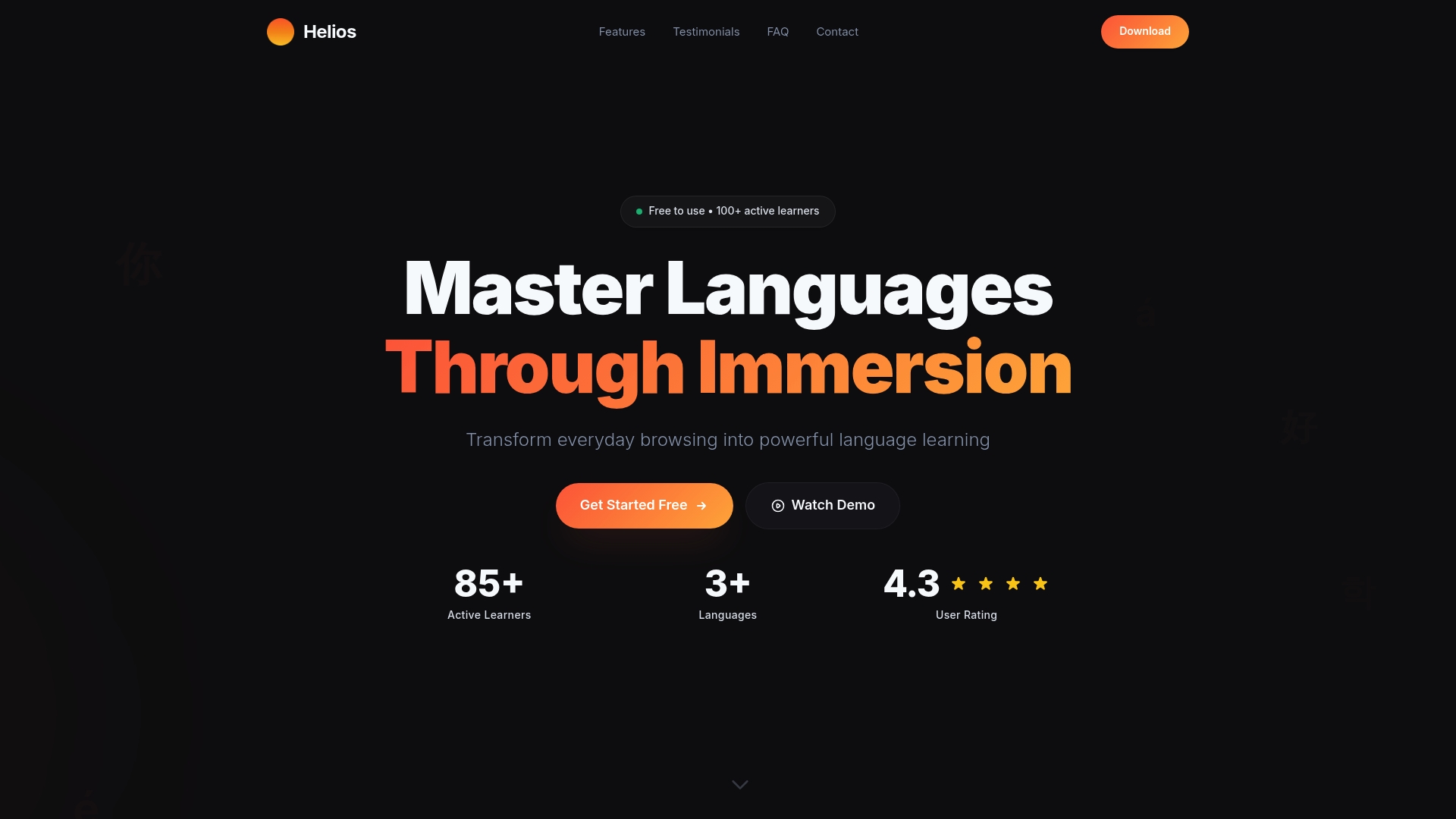
Instant dictionary popups and live subtitle support appear directly on the pages you visit. Helios runs as a free browser extension that turns news, blogs, and videos into practice material. As one of the useful babbel alternatives, it emphasizes learning vocabulary in context rather than through rigid lesson sequences.
Core Features
Helios offers a dictionary popup that shows instant definitions and example sentences when you highlight a word. It adds video subtitle support so you can follow spoken language with quick translations while watching. The extension also tracks progress, letting you review words you have seen and measure gradual vocabulary growth.
Key Differentiator
Helios places vocabulary tools inside your normal browsing, so learning happens while you read or watch daily content. That in-page approach keeps lookup and study in the same flow as consumption. Its focus on contextual vocabulary popups plus subtitle support sets it apart from course-first competitors.
Pros
Helios is free and keeps you in the browser, which removes the friction of switching to separate apps or dictionaries. The progress tracking helps turn repeated exposure into deliberate review without a separate flashcard app. The vendor reports a dedicated user community and says learners praise the tool for making vocabulary acquisition more enjoyable.
Cons
-
Limited to a browser extension, so it does not function as a full course or standalone mobile app.
-
Automatic translations can be inaccurate for complex phrases, requiring manual verification by the learner.
-
Not suitable for beginners who need structured lesson paths or detailed grammar explanations.
When It May Not Fit
If you want a step-by-step curriculum with graded grammar exercises, Helios will feel incomplete. Learners preparing for beginner-level certification may need a course with explicit grammar drills. Teams or classrooms that require central account controls and reporting will find the extension limited, as it focuses on individual browsing activity.
Who It’s For
Helios fits learners who prefer learning by doing and who spend time reading news, blogs, or watching videos in the target language. It suits intermediate students who need faster vocabulary gains through context. It also works well for travelers and professionals who want to maintain steady exposure without scheduled study sessions.
Real World Use Case
A commuter watches foreign news clips during a morning commute and highlights unknown words to get instant definitions. The extension saves those words to a review list and tracks repeats across several days. Over weeks, the saved vocabulary reflects the topics the commuter reads most, improving comprehension in work and travel situations.
Website: https://helioslang.com
Comparison of alternatives
Language learning extensions provide varied functionalities, catering to preferences and contexts that language learners may have. Whether the goal is deep vocabulary development through media engagement or surface-level familiarity with basic terminology, selecting an apt tool significantly impacts study outcomes.
Learning integration and functionality
WordByWord facilitates vocabulary development organically by enabling users to interact with words directly in their browsing material. Its focus on highlighted vocab words and integration of smart flashcards promote on-page familiarity. Conversely, Migaku delivers sentence mining and AI explanations suitable for creating complex study pipelines from authentic media.
Multimedia focus and efficiency
InterSub and Language Reactor cater to learners prioritizing dialog in visual media. Language Reactor’s detailed subtitle functionality supports contextual exposure, making it for auditory learners. InterSub provides dynamic translations for video streaming platforms, enhancing comfort for entertainment-focused users. Migaku’s subtitle-based tools lean toward academic or structured learning environments.
Best fit
-
WordByWord is for language learners who regularly use browsers and wish to organically learn vocabulary through familiar online content.
-
Migaku serves learners looking to deeply analyze sentences and immerse in authentic texts such as film subtitles or documentaries.
-
Helios appeals to intermediate learners and professionals reading news or blogs who desire vocabulary acquisition within context without formal study.
-
Language Reactor supports users who depend on video dialogues for practice, offering subtitle parsing to connect verbal phrases to understanding.
Our pick
WordByWord is suitable for individuals who aim to integrate language acquisition within daily browsing contexts. Those intending to undertake greater focus on multimedia subtitles or substantive sentence mining could explore Migaku for detailed configurations or InterSub for a streamlined media-integrated learning experience.
WordByWord leads in transforming browsing activity into an engaging vocabulary-building experience.
| Product | Core Feature | Differentiator | Pricing | Limitation |
|---|---|---|---|---|
| WordByWord | Highlight and save words for spaced repetition | Integrated directly while browsing | Free core, $5.99/mo | Limited to Chrome browser requirements |
| Migaku | Sentence mining and flashcard creation from media | Sentence mining and deep contextual integration | $10/mo or $499 one-time | Steep learning curve for new users |
| InterSub | Dual subtitles with hover translations | Real-time translation during video playback | Free or $6/mo | Internet dependency for live translations |
| Language Reactor | Bilingual subtitles and phrase highlighting | Integrated tools for video-based language learning | Free or $5.95/mo+ | Limited support for mobile devices |
| Helios | Instant dictionary for selected words | Contextual learning during regular browsing | Free | Inaccuracy in automatic translations for phrases |
How To Overcome Vocabulary Challenges With Babbel Alternatives
Language learners and students often face difficulty building vocabulary without interrupting their daily reading or video watching. The key pain point is staying immersed in real content while quickly understanding and remembering new words. WordByWord addresses this by providing a browser extension that highlights unknown words instantly and creates personalized vocabulary collections. This method lets words stand out visually and fade as mastery grows.
WordByWord offers:
-
Instant translations on websites, PDFs, and YouTube
-
Vocabulary tracking through Spotlight mode visual maps
-
AI-powered flashcards and training for long-term retention
Visit WordByWord to see how language learners like you keep building vocabulary without breaking their browsing flow. Try it now and save new words while you read or watch videos.
FAQ
How does WordByWord help with vocabulary retention?
WordByWord utilizes smart flashcards and an AI trainer to help with vocabulary retention. Its features track progress per word and across your vocabulary, allowing users to see familiar words as they become mastered. You can expect effective long-term retention as highlighted words transition from unfamiliar to known.
What is the difference between WordByWord and Language Reactor?
Language Reactor excels by providing bilingual subtitles and an in-player dictionary, enhancing comprehension while watching videos. WordByWord, in contrast, focuses on instant translations and vocabulary saving while browsing, making it suitable for users who want to learn while engaging with various web content. Consider WordByWord if your goal is to seamlessly study during casual reading experiences.
Can I use WordByWord for language learning if I’m a beginner?
Yes, WordByWord is suitable for beginners who want to enhance their vocabulary through contextual learning. The extension supports over 50 languages, making it accessible for all levels, so you can begin building your vocabulary with real content right away.
Does WordByWord track my progress?
Yes, WordByWord tracks progress, allowing users to see how their vocabulary knowledge grows over time. This feature helps you monitor which words remain challenging and which ones you have mastered, aiding effective learning.
How much does WordByWord cost?
WordByWord is free for its core features, which include highlighting, translating, and saving vocabulary without a usage cap. This provides a cost-effective way to build language skills without financial commitment.