
What are the best vocabulary builder apps right now?
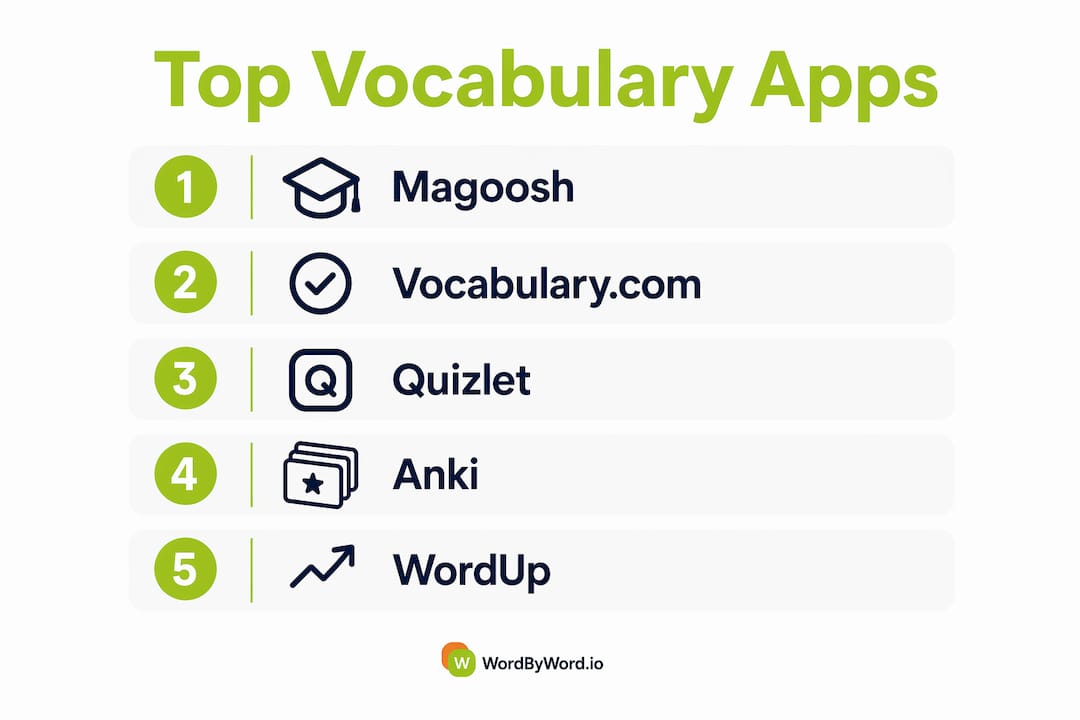
The strongest vocabulary builder apps in 2026 combine spaced repetition, AI personalization, and contextual learning rather than relying on static word lists alone. After evaluating 27 apps across platform availability, pricing, learning methodology, and real-world usability, the clear frontrunners are Vocabulary.com, Quizlet, Anki, WordUp, and WordByWord for most English learners, with Magoosh Vocabulary Builder leading for standardized test prep.
Modern apps use algorithms like the SM-2 spaced repetition system to schedule reviews at the exact moment retention starts to fade, which is a fundamentally different approach from drilling word lists. The gap between apps that use this method and those that don’t shows up quickly in how long new words actually stick.
| App | Best For | Platform | Pricing | Core Features |
|---|---|---|---|---|
| Magoosh Vocabulary Builder | GRE and exam prep | iOS, Android | Free (GRE prep available) | 1,200 expert-curated GRE words, daily quizzes, pronunciation |
| Vocabulary.com | Broad academic vocabulary | iOS, Android, Web | — | 50,000+ word lists, adaptive learning, gamification |
| Wordela | Custom large word sets | iOS | — | Unlimited custom lists, large word corpus |
| Quizlet | Students and flexible study | iOS, Android, Web | — | AI flashcards, study games, millions of shared decks |
| Anki | Advanced learners, custom decks | iOS, Android, Desktop | Free (iOS $24.99) | Open-source SRS, manual import, deck sharing |
| Memrise | Gamified mobile learning | iOS, Android | — | AI coach, goal-based learning, gamification |
| Elevate | Brain training with vocabulary | iOS, Android | Free tier; premium available | Cognitive games including vocabulary focus |
| WordByWord | Real-context vocabulary growth | Browser extension | Freemium; paid tier available | Real-time translation, Spotlight mode, AI flashcards |
| WordUp | Contextual learning via media | iOS, Android | From $4.99/month | Knowledge Map, movie clips, 25,000 ranked words |
| Duolingo | Beginners and casual learners | iOS, Android, Web | Free; Super Duolingo available | Short gamified lessons, multiple languages |
| Drops | Visual daily practice | iOS, Android | From $12.99/month (5 min/day free) | Timed games, 5,000+ real-life phrases |
| PolyChat | Conversation-based learning | iOS, Android | Varies | Vocabulary through real conversation practice |
| LingQ | Reading and listening together | iOS, Android, Web | From $14.99/month | Authentic content, audio transcripts, vocabulary tracking |
| Promova | Personalized lesson paths | iOS, Android | Subscription-based | AI personalization, tailored vocabulary lessons |
| Lingvist | Data-driven efficiency | iOS, Android, Web | Subscription-based | AI targeting based on learner data |
| Knudge.me | Bite-sized daily practice | iOS, Android | Free tier available | Push notifications, daily word challenges |
| VocabMagic | Structured digital products | Web, digital formats | From $2.95 | Multiple digital vocabulary formats |
| Linked Words – A Reverse Dictionary | Creative word discovery | iOS, Android | Free; paid version available | Reverse dictionary, concept-based word search |
| Vocabulary A-Z | K-5 educators and students | iOS, Android, Web | $125/year | Classroom-focused lessons, webinars |
| 7 Little Words | Puzzle lovers and exam prep | iOS, Android | Free; premium available | Letter puzzles, American/British/Australian English |
| Bubble | Context-rich vocabulary | iOS, Android | Varies | Context-first quizzes |
| Glide | Casual vocabulary games | iOS, Android | Varies | Daily language games |
| Replit | Tech learners, coding vocabulary | Web, iOS, Android | Free tier; paid plans | Vocabulary tied to programming contexts |
| Words with Friends | Social competitive learners | iOS, Android | Free; ad-free paid option | Multiplayer crossword gameplay |
| Word of the Day | Incremental daily learning | iOS, Android | — | Daily word, pronunciation, milestone tracking |
| Word to Word | Synonym and word relationship tools | iOS, Android | Varies | Associative word linking |
| Vocab Genius | Science-backed retention | iOS, Android | $6.99 full unlock | Adaptive flashcards, spaced repetition algorithm |
A closer look at the top vocabulary builder apps
Magoosh Vocabulary Builder and Vocabulary.com: the structured learners’ picks
Magoosh Vocabulary Builder is purpose-built for GRE prep, with 1,200 expert-curated words organized across basic, intermediate, and advanced levels. Daily quizzes test pronunciation, definitions, and example sentences, and the free tier covers the full word set. If you’re targeting a specific exam score, this focus is a genuine advantage over general-purpose apps.

Vocabulary.com takes a broader approach. Its adaptive engine tests your current knowledge, identifies gaps, and pulls from over 50,000 word lists to build a personalized path. The gamification layer, with points and digital badges, keeps daily practice from feeling like a chore. The web version is free, which makes it one of the most accessible options for academic learners on a budget.
Quizlet and Anki: the flashcard powerhouses
Quizlet works because it removes the friction from creating study materials. You can generate AI-powered flashcard decks from your own notes, browse millions of sets made by other students, and switch between multiple study modes including multiple choice, written, and matching. The platform adapts based on what you know and what still needs work, so review sessions stay focused rather than repetitive.
Anki takes a different philosophy: maximum control, minimal hand-holding. Users who import personally encountered words into custom decks retain vocabulary better than those relying on generic lists, and Anki is built exactly for that workflow. The desktop and Android versions are free; the iOS app costs $24.99 as a one-time purchase, which funds ongoing development. It’s not the prettiest interface, but for serious learners who want to own their study data, nothing else comes close.
WordUp: AI meets real-world context
WordUp ranks 25,000 common English words by frequency and uses AI to identify which ones you already know, then builds a personalized roadmap around the gaps. The standout feature is its Knowledge Map, which gives you a visual overview of your vocabulary coverage. Real clips from movies and TV shows provide context that dictionary definitions simply can’t replicate, and daily personalized recommendations keep the learning tied to words you’ll actually use. Plans start at $4.99/month.

Pro Tip: If you’re preparing for a standardized test, pair WordUp’s frequency-ranked word list with Magoosh’s exam-specific sets. The overlap between high-frequency words and GRE vocabulary is larger than most test-takers expect.
Memrise, Drops, and Duolingo: gamification-first apps
These three apps share a common strength: they make daily practice feel less like studying. Memrise pairs an AI coach with goal-based learning, nudging you toward streaks and milestones. Drops focuses on visual association with over 5,000 real-life phrases, offering five free minutes per day before asking for a subscription. Duolingo remains the most downloaded language app globally, and its short lesson format works well for beginners building foundational vocabulary across multiple languages.
The trade-off with all three is depth. Gamification drives consistency, but it can also reward surface-level recognition over genuine recall. Learners who need to produce vocabulary in writing or speech often find these apps more useful as warm-up tools than as primary study methods.
LingQ, Promova, and Lingvist: for learners who want more than word lists
LingQ is built around authentic content: podcasts, articles, TV shows, and books. You read or listen, tap unknown words to save them, and the app tracks your growing vocabulary across sessions. It’s one of the few apps that treats reading and listening as the primary learning activity rather than a supplement. Plans start at $14.99/month.
Lingvist uses AI to analyze your existing vocabulary and target the specific words most likely to improve your comprehension, prioritizing high-frequency, practically useful words with real-world contexts. Professionals who need vocabulary for clearer communication tend to favor this kind of context-rich, synonym-aware approach over basic word lists. Promova sits in similar territory, offering AI-personalized lesson paths with adaptive vocabulary exercises.
WordByWord: vocabulary learning built into your browser
WordByWord works differently from every other app on this list. It’s a browser extension, not a standalone app, which means vocabulary learning happens while you’re already reading online rather than in a separate session you have to schedule. Highlight any word on a website, PDF, or YouTube page and get an instant translation in over 50 languages. The Spotlight mode overlays color-coded highlights directly on the page, showing which words you know and which you don’t, so you can gauge a text’s difficulty at a glance.
The AI trainer connects saved words to smart flashcards and personalized review sessions, building long-term retention from words you encountered in real contexts. Progress tracking and shareable vocabulary collections round out the feature set. For learners who spend significant time reading online, this integration with existing habits is a practical edge over apps that require you to open a separate tool.
The rest of the field
Elevate combines vocabulary games with broader cognitive training, including reading comprehension and processing speed. It suits learners who want brain training alongside word work rather than pure vocabulary focus.
Vocabulary A-Z is classroom software at heart, with structured lessons and webinars designed for K-5 teachers and students. At $125/year, it’s priced for institutional use.
7 Little Words teaches vocabulary through letter puzzles with five difficulty levels and the option to switch between American, British, and Australian English. It’s genuinely fun for puzzle lovers and works as a low-pressure supplement for exam prep.
Linked Words functions as a reverse dictionary: you describe a concept and the app surfaces the word you’re looking for. It’s a niche but genuinely useful tool for writers and advanced learners who know what they want to say but can’t find the exact word.
Word of the Day delivers one new word daily with pronunciation, synonyms, and example sentences. Milestone-based tracking adds a small motivational layer. It’s the lowest-commitment option on this list, and for incremental learners, that’s exactly the point.
Knudge.me sends push notifications with daily word challenges, keeping vocabulary practice visible without requiring you to open an app. VocabMagic offers structured digital vocabulary products starting at $2.95. Vocab Genius uses an adaptive spaced repetition algorithm with a $6.99 one-time unlock, making it one of the most affordable science-backed options available.
Words with Friends and 7 Little Words both build vocabulary through play. Words with Friends adds a social layer through multiplayer crossword gameplay. Glide and Bubble offer casual vocabulary games for daily practice, while Replit takes an unusual angle by tying vocabulary to programming contexts for tech learners. PolyChat combines vocabulary with real conversation practice, and Word to Word focuses on synonym and associative word relationships. Word of the Day and Promova round out the options for learners who prefer structured daily touchpoints.
How to choose the best vocabulary builder app for your needs
The right app depends on three things: your learning goal, your available time, and how you actually retain new information. Getting those three factors clear before downloading anything saves a lot of wasted subscription money.
Questions to ask before committing
- What’s your primary goal? Exam prep (GRE, TOEFL, SAT) calls for a different tool than general vocabulary growth or professional communication skills.
- How much time can you realistically spend daily? Apps like Drops and Word of the Day are built for five minutes or less. Anki and LingQ reward longer, more deliberate sessions.
- Does the app offer a free trial or tier? Most reputable vocabulary apps use a freemium model. If an app asks for payment before you can evaluate it, that’s worth noting.
- Can you import your own words? For advanced learners, the ability to add words from your own reading is often more valuable than any pre-built word list.
- What’s the cancellation policy? Monthly subscriptions are easier to exit than annual ones. Check before you subscribe, not after.
- Is the content relevant to your field? A business professional and a literature student need different vocabulary sets. Apps like Vocabulary.com and Lingvist let you filter by topic or profession.
Red flags to watch for
Opaque pricing, no free trial, and interfaces that haven’t been updated in years are the clearest warning signs. An app that shows a low monthly price on the landing page but buries the annual commitment in fine print is a common pattern. Also watch for apps that only test recognition (can you pick the right definition?) without ever asking you to produce or use the word, since passive recognition rarely translates to active vocabulary.
Matching app type to learner type
Exam prep students get the most from Magoosh Vocabulary Builder and Vocab Genius, both of which organize content around test-relevant word sets. Casual learners who want daily engagement without pressure do well with Duolingo, Drops, or Word of the Day. Advanced learners building deep vocabulary for professional or academic writing tend to gravitate toward Anki, LingQ, or Lingvist, where the content is richer and the customization is deeper.
Combining multiple app types consistently produces better outcomes than relying on a single tool. A spaced repetition app for review, paired with a contextual tool for exposure, covers both the retention and the input sides of vocabulary acquisition.
Pro Tip: Don’t overlook browser-based tools as a complement to mobile apps. Reading authentic content online and saving unknown words in real time, as WordByWord does, builds the kind of contextual vocabulary knowledge that quiz-based apps alone rarely develop. Vocabulary development through storytelling and authentic language exposure follows the same principle.
How WordByWord approaches vocabulary differently
Most vocabulary apps ask you to set aside time for learning. WordByWord removes that requirement entirely. As a browser extension, it works inside your existing reading habits, whether you’re going through a news article, a research PDF, or YouTube subtitles.
The core features that set it apart:
- Spotlight mode highlights words directly on the page, color-coded by how well you know them, from unknown to mastered. You can see at a glance whether a text is at your level before you commit to reading it.
- Real-time translation covers over 50 languages, triggered by highlighting any word or phrase on any webpage, PDF, or YouTube video.
- AI-powered flashcards automatically generate review sessions from words you’ve saved, using spaced repetition to schedule reviews at the right intervals.
- Personalized vocabulary collections let you organize saved words by topic, source, or custom category, with CSV import and export for learners who want to move data between tools.
- Progress tracking shows which words have moved from unknown to mastered over time, giving you a concrete measure of growth.
- Community-shared collections let you access vocabulary sets built by other learners, which is useful when you’re entering a new subject area and want a head start.
AI-driven vocabulary tools that analyze a learner’s existing knowledge and tailor the learning path to high-frequency, practically useful words consistently outperform static word lists in retention. WordByWord applies this principle to real reading contexts rather than artificial exercises, which means the words you learn are the ones you actually need for the content you’re already consuming.
The freemium tier covers core translation and vocabulary features. The paid subscription unlocks unlimited collections, AI-powered exercises, enhanced voiceover, and advanced personalization. For learners who spend significant time reading online, the paid tier pays for itself quickly in the depth of features it adds.
How these apps were evaluated
Every app in this comparison was assessed against a consistent set of criteria: learning methodology (whether it uses spaced repetition, contextual learning, gamification, or a combination), content depth and relevance, platform availability, pricing transparency, and the quality of the user experience across devices.
Pricing was verified against each app’s current published plans. Platform availability was confirmed for iOS, Android, and web where applicable. Learning methodology claims were cross-referenced against published research on vocabulary acquisition, including peer-reviewed work on spaced repetition systems and AI-personalized learning paths.
Apps with exam prep claims were evaluated on the specificity of their word sets and whether their content aligns with actual test formats. Apps claiming AI personalization were assessed on whether the personalization is substantive (adapting to your known vocabulary) or cosmetic (recommending popular content). User experience notes reflect the interface design, ease of navigation, and how quickly a new user can begin a productive study session.
The goal was a comparison that helps you make a real decision, not one that lists features without context. For vocabulary learning in test prep specifically, the distinction between apps that teach words in isolation and those that teach them in context makes a measurable difference in how well those words transfer to actual exam performance.
WordByWord is worth trying alongside any app on this list
Every app compared here has a legitimate use case. But most of them share one limitation: they require you to leave what you’re doing and open a separate study environment. For learners who read extensively online, that friction adds up.
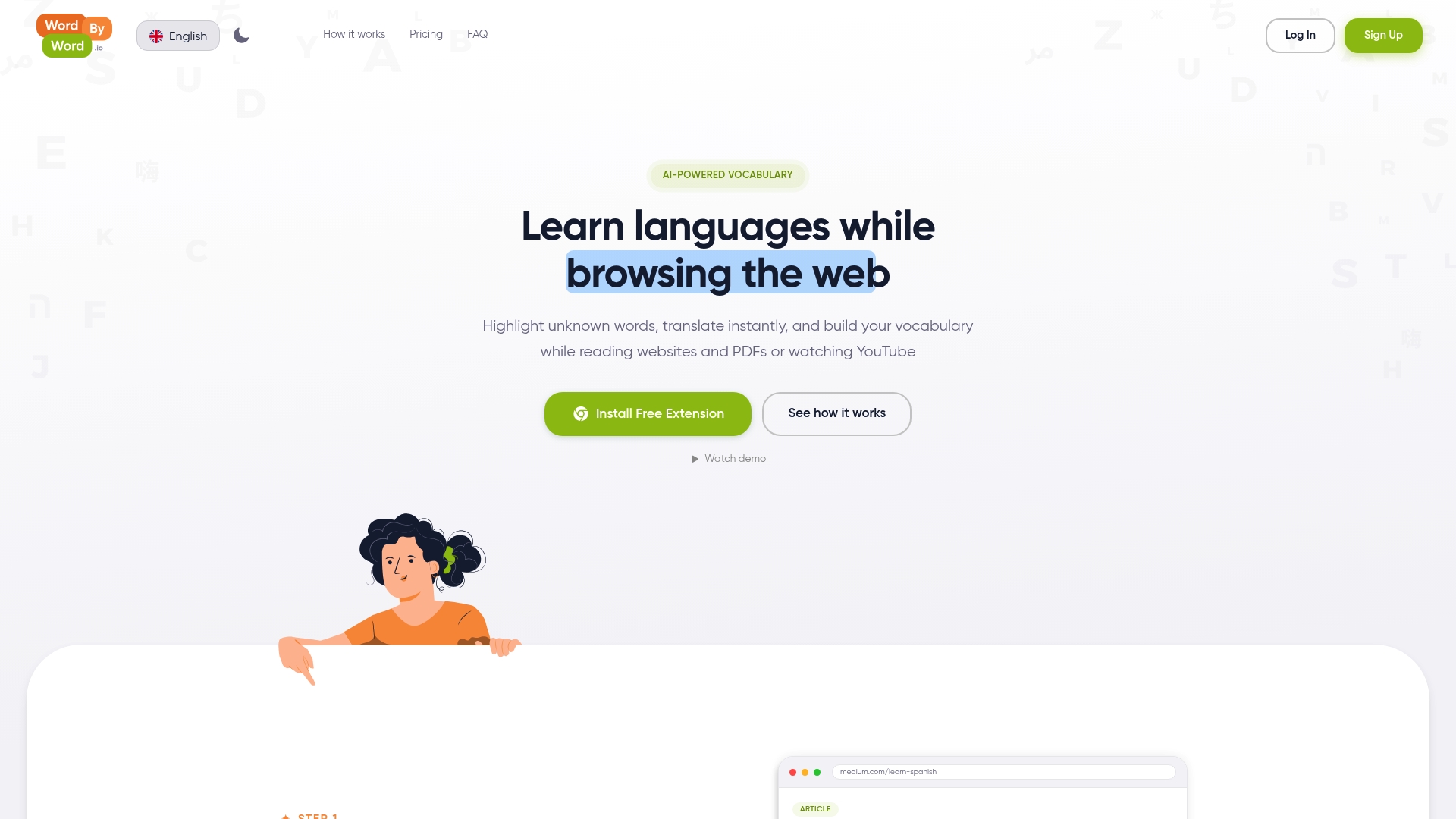
WordByWord fits into the reading you’re already doing. Whether you’re working through academic papers, following industry news, or watching YouTube with subtitles, every unknown word becomes a learning opportunity without interrupting your flow. The Spotlight mode alone changes how you approach unfamiliar texts: instead of guessing at difficulty, you see exactly where your vocabulary gaps are before you start reading.
The freemium tier is genuinely useful, and the paid plan unlocks the full AI training experience. If you’re already using one of the apps above for structured review, WordByWord works as the contextual layer that connects classroom vocabulary to real-world reading. Try it free at wordbyword.io.
Key Takeaways
The best vocabulary builder apps combine spaced repetition, AI personalization, and contextual learning, and pairing a structured review app with a real-context tool like WordByWord produces better retention than either approach alone.
| Point | Details |
|---|---|
| Spaced repetition is the baseline | Apps using SM-2 or similar algorithms schedule reviews at optimal intervals for long-term retention. |
| Match the app to your goal | Exam prep calls for Magoosh or Vocab Genius; broad academic growth suits Vocabulary.com or Anki. |
| Combine tool types | Pairing an SRS app with a contextual browser tool covers both retention and real-world vocabulary input. |
| Context beats word lists | Apps like WordUp and LingQ that use real media and authentic content build deeper recall than static lists. |
| WordByWord for real-context learning | WordByWord’s Spotlight mode and AI flashcards turn everyday reading into active vocabulary practice. |